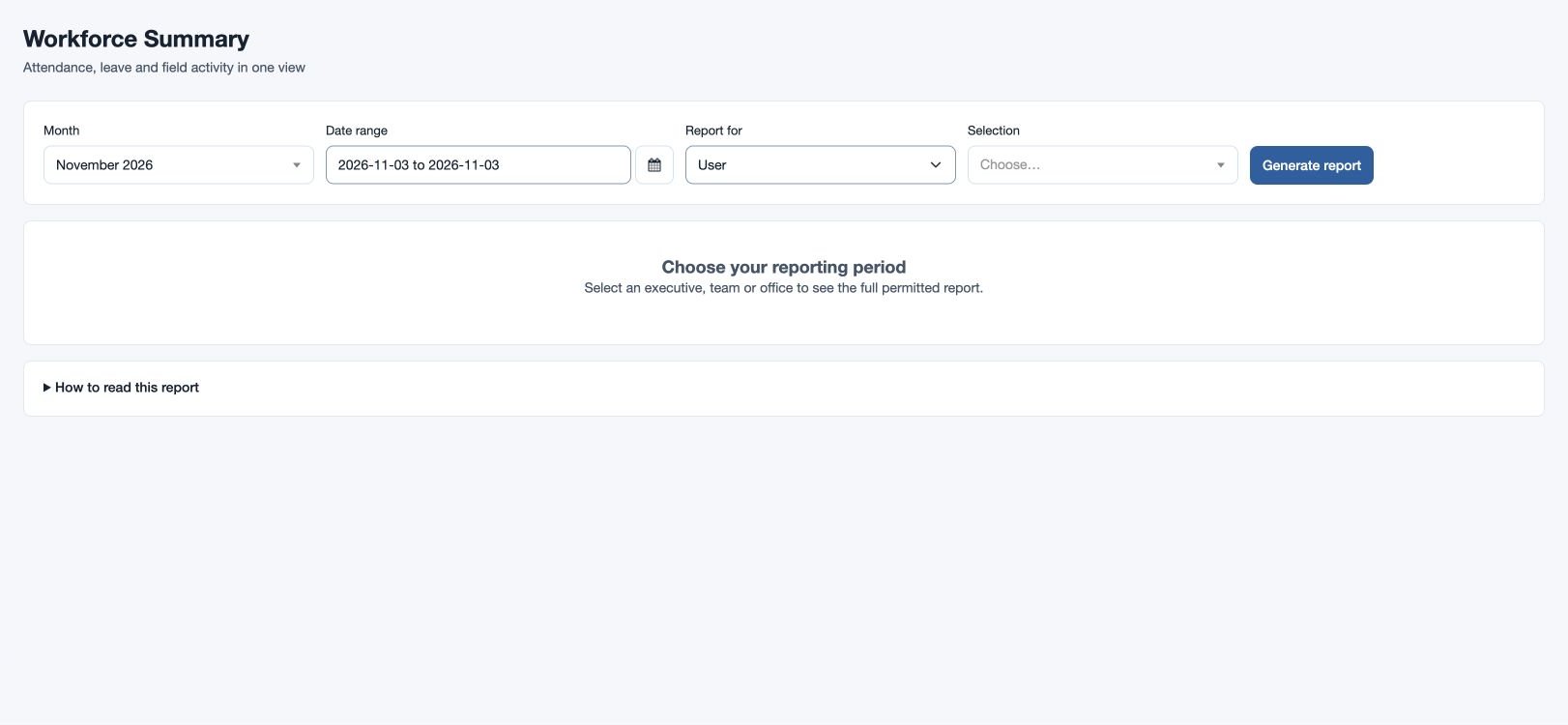
Workforce Summary
Combine attendance, leave and permitted field activity for a person or group.
Generate a workforce report
Open Reports → Workforce Summary with attendance-report permission. Choose Month, then From and Through within that month. Set Report for to User, Team or Office, choose a Selection and select Generate report.
Review charts, records, warnings and Chart values and coverage. Some visit and expense information depends on separate permissions. Use Export CSV or Export Excel if your role permits. Read How to read this report for the measures’ definitions.
For example, choose the fictional North team and a week in April to review attendance and leave together. If a selection is absent, check scope and permissions; if a report is incomplete, read its warnings and generate it again.
Interpret records and coverage
The attendance columns include days in employment, scheduled and completed working days, days with attendance, working-day attendance, absent day equivalents, holidays, weekly offs and attendance on days off. The report also shows approved paid and unpaid leave, pending leave requests, worked and overtime hours, late and early minutes, missing clock-outs, invalid or duplicate attendance, missing shifts and approved or pending regularizations. When permitted, it adds visits, recorded-distance coverage, distance unit and travel time, and expense entries, office currency and recorded expense amount.
Use the column tabs to focus the table and search by employee, team or office. The employee chart compares up to the first ten matching employees; exception totals cover all matches. A dash means unavailable. Compare visits with recorded distance against total visits, and verify each distance unit and office currency before comparing totals. Today and future dates are not treated as absences.