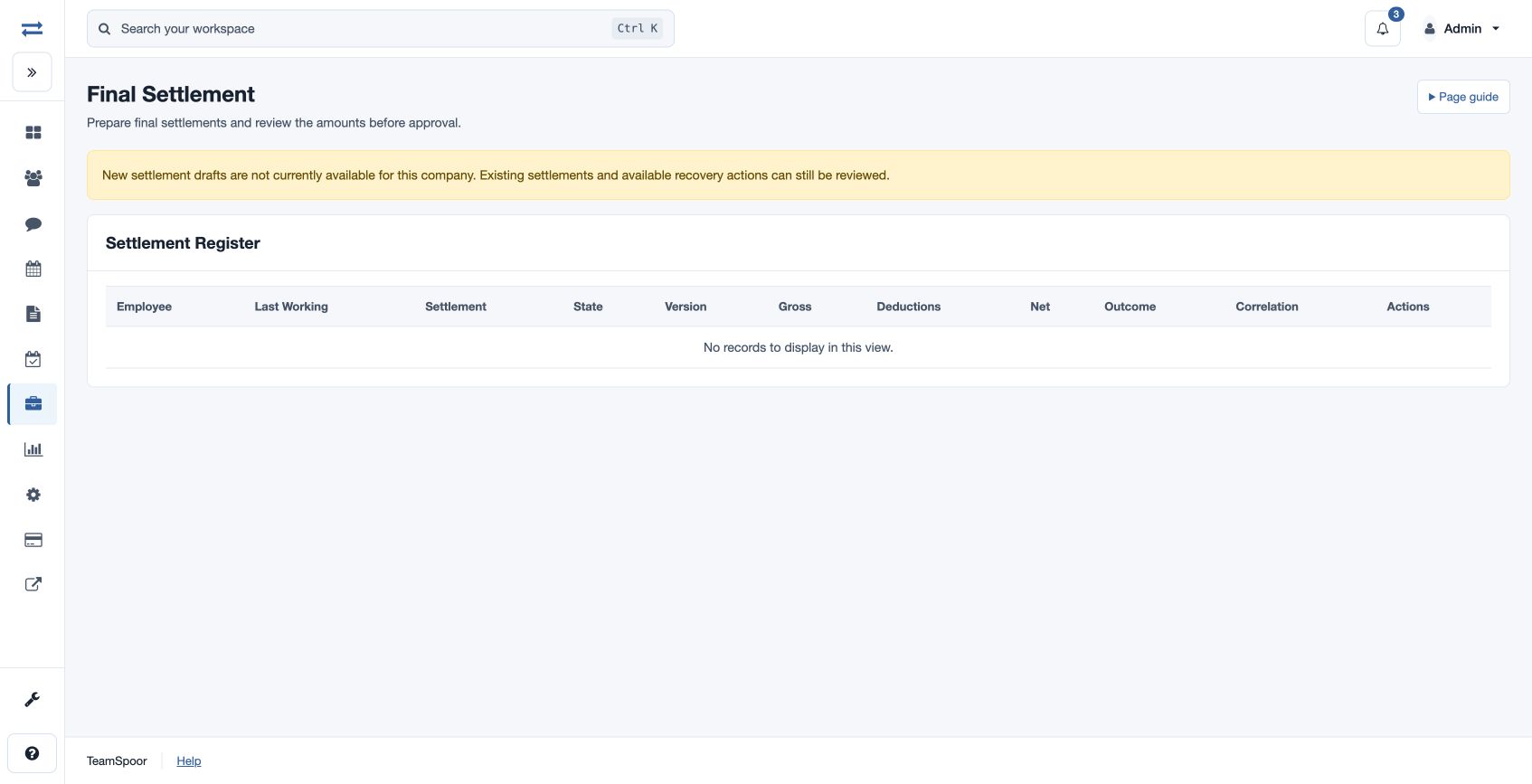
Final settlement
Calculate and progress an employee’s exit settlement.
Before you begin
Open Payroll → Inputs & adjustments → Final Settlement. Record the employee’s exit and last working date, and finalize payroll through that day before completing the checklist. Access and each progression action require the appropriate permissions.
Create and progress a settlement
- Choose New Draft, select Employee, enter Settlement Date and optional Notes, and create the draft.
- Choose Calculate. Enter applicable Leave Encashment, Bonus, Incentive, Arrears, Gratuity, Other Earnings, Notice Pay Deduction, Additional Tax, Asset Recovery and Other Approved Deductions. Amounts are non-negative.
- Review the exit checklist: employee exit and last working date; final payroll; leave balances and encashment; claims; advance and loan recoveries; asset and notice clearance; and tax and statutory exit controls. Check items only after review and calculate.
- Review the amounts, then Submit. An authorized reviewer can Approve or Reject; an authorized user finalizes and records payment separately. Cancel and Reverse are available in eligible states and require a reason.
For example, enter a reviewed leave encashment and any approved asset recovery, then compare the calculation with the underlying records. An emergency stop disables progression, finalization and payment; check the page message and resolve the issue before retrying.
Settlement states and outcomes
Calculation moves a draft to Calculated; Submit moves it to Ready for Approval. Approval leads to Approved and finalization to Finalized. Recording payment moves it to Paid. A rejection returns the settlement to Calculated for correction. Cancel is available before finalization in the eligible states; Reverse applies to a finalized or paid settlement. Reject, Cancel and Reverse require a reason.
Review gross, deductions and the signed net outcome: payable to the employee, recovery due from the employee, or zero. Record Payment requires a payment or recovery reference and records the outcome; arrange any actual transfer or collection through the applicable payment process.