Departments
Create HR groupings independently of operational teams.
Create a department
Departments group employees for HR and cost reporting; teams and managers continue to define operational hierarchy. Open HR & attendance → People → Departments with department-management permission.
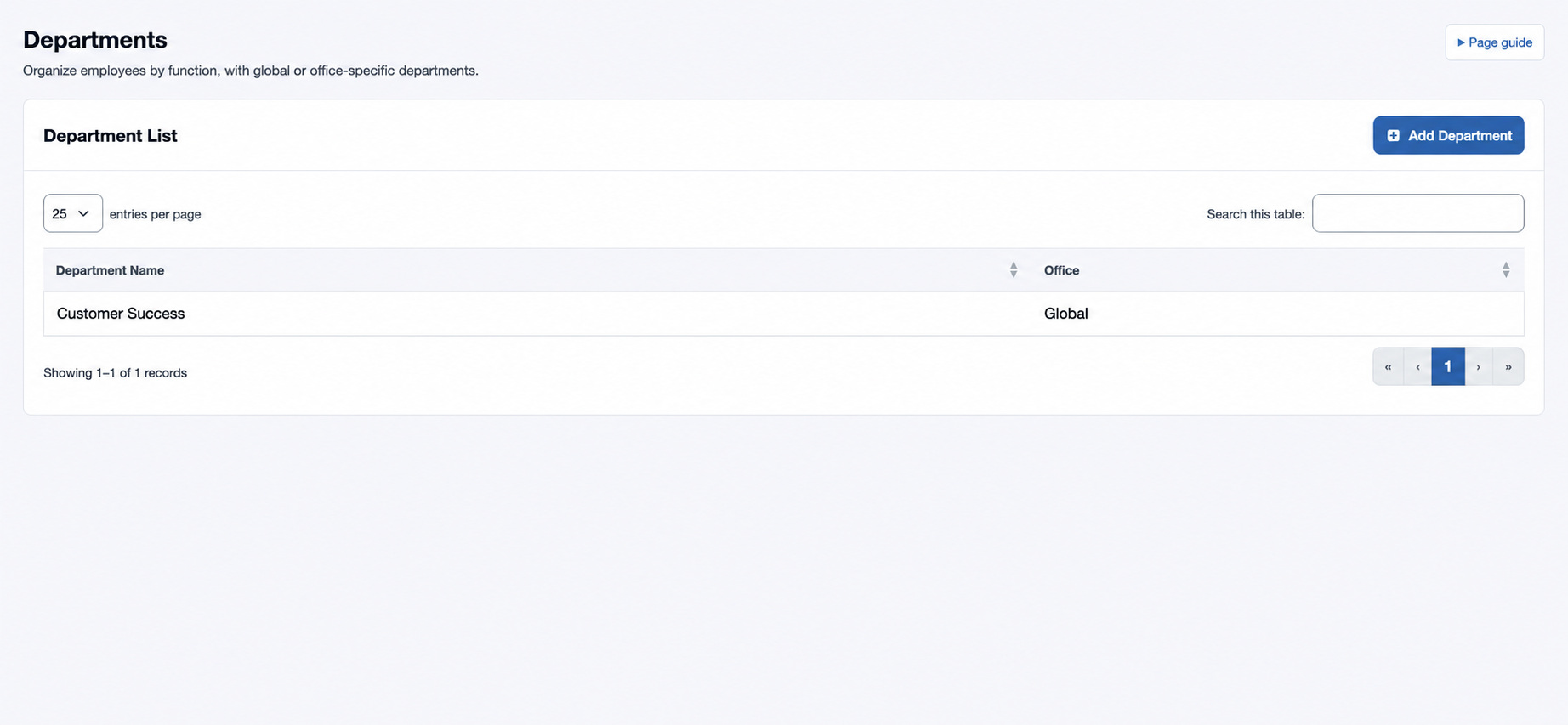
- Choose the plus control in Department List.
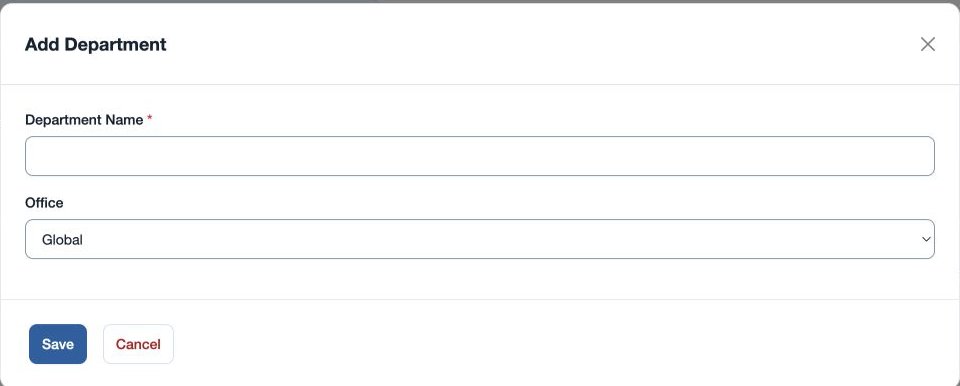
- Enter required Department Name and select an Office or Global.
- Save and confirm the name and office in the list. Assign it in Employee HR Setup.
For example, create a global “Customer Success” department. If it is not selectable for an employee, check the office scope and your access. Keep names stable and avoid creating a department merely to duplicate a team.
Department Name must be 2–80 characters. Names already in the same office or global scope are rejected; check the list and choose a distinct name if “Department already exists” appears.