Locations, route maps and InstaTrack
Inspect recorded positions and journeys with the selected map provider.
Open a map from Reports. Map availability and employee scope depend on your permissions, company settings and the selected map provider.
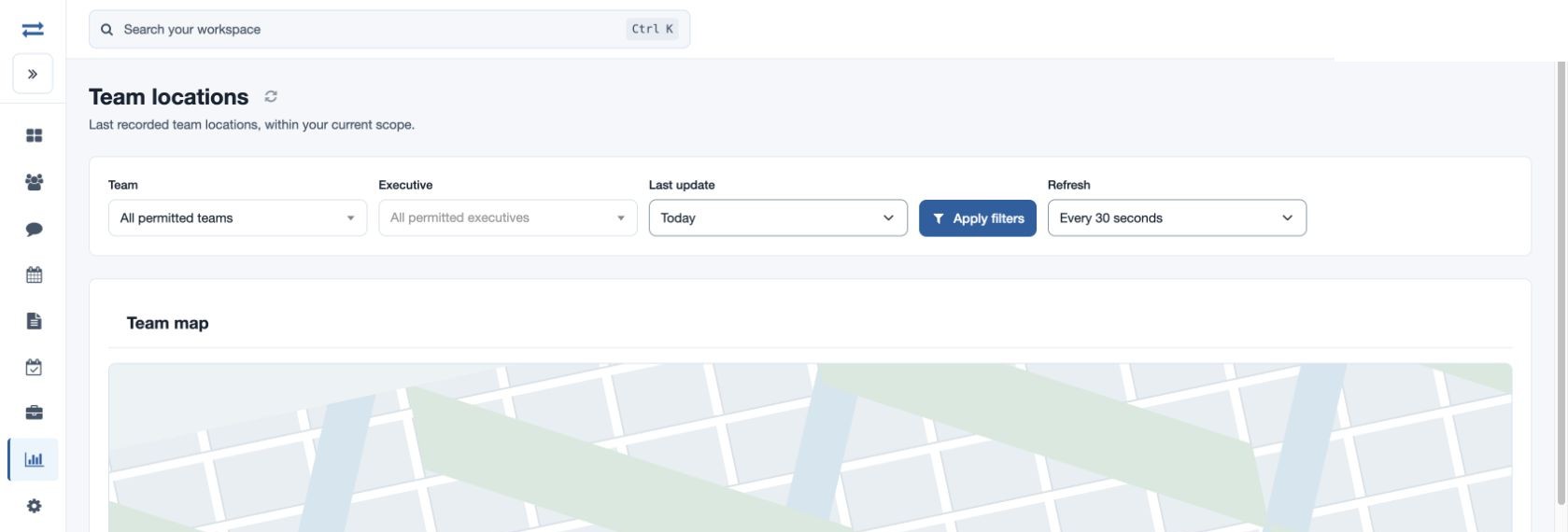
Team locations
Choose Team and optionally Executive, set Last update to Today or All recorded locations, and select Apply filters. The marker is the last recorded position, not proof that the person is currently there. Use Refresh or choose Paused, Every 10 seconds, Every 30 seconds or Every minute.
Route map and InstaTrack
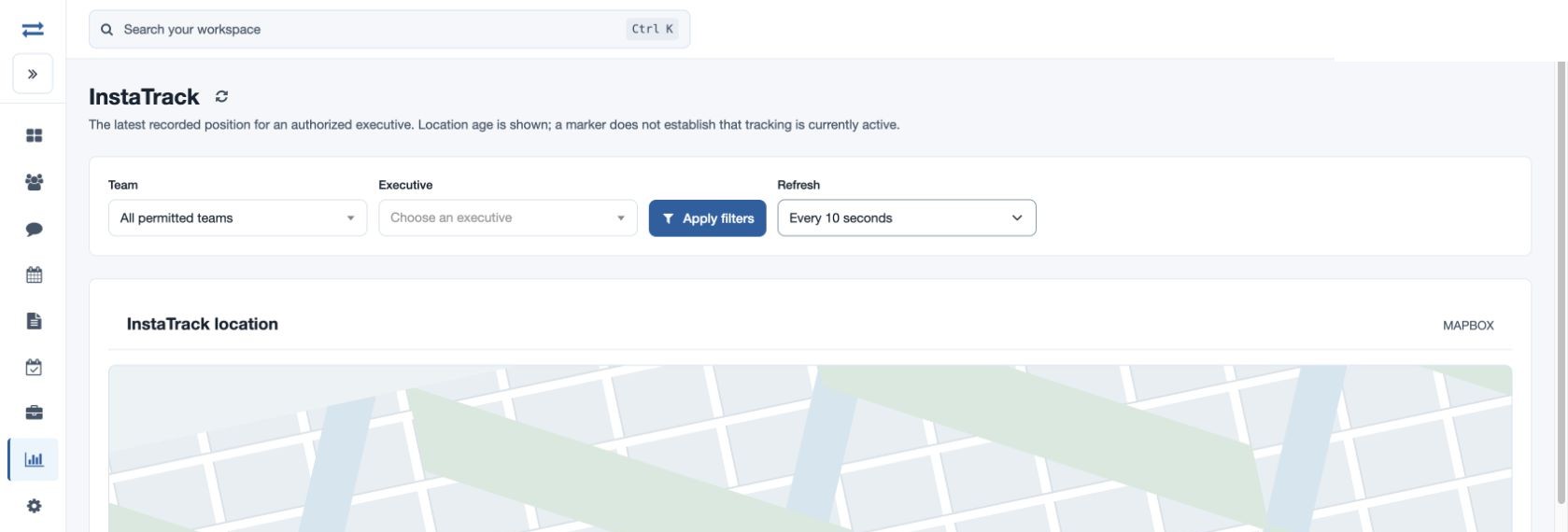
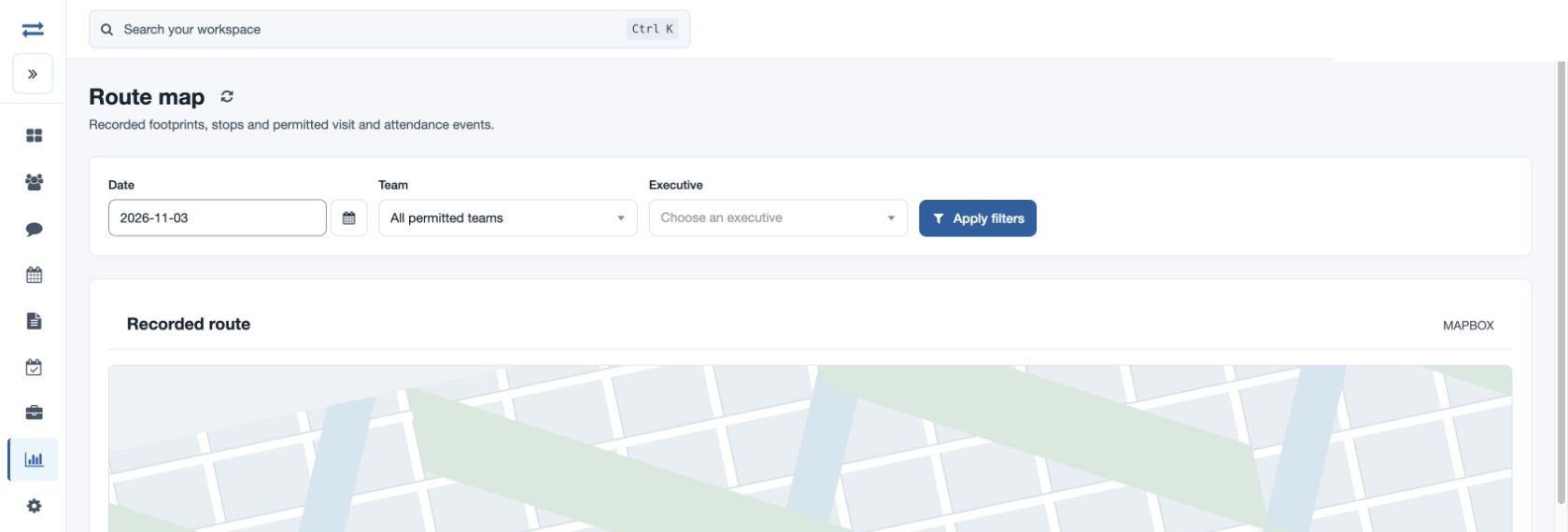
For Route map, select Date, Team and an Executive and apply. Inspect recorded footprints, stops and permitted visit or attendance events using the map controls and layers. InstaTrack requires an authorized, licensed executive; choose the person and apply to see the latest recorded position and its age. Its refresh interval is selectable.
For example, choose fictional Maya Rao and a past date to examine a journey. If no marker appears, check the selected executive and date, location permission, app recording, and map availability. A stale update does not establish that tracking is active or that the device is offline; missing or invalid coordinates may prevent a point from appearing.