Payslips and payments
Publish payslips and manage the separate payment process.
Generate and review payslips
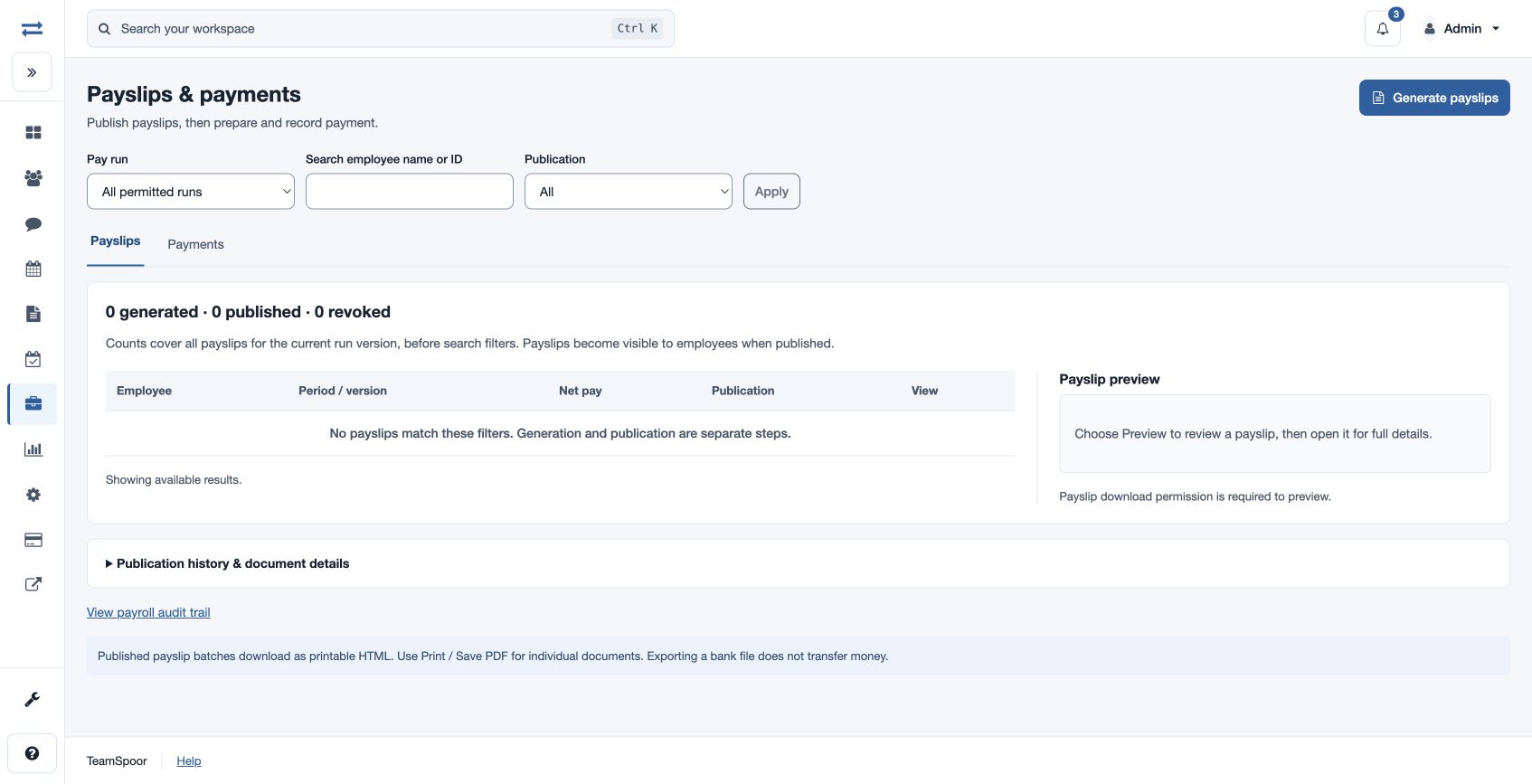
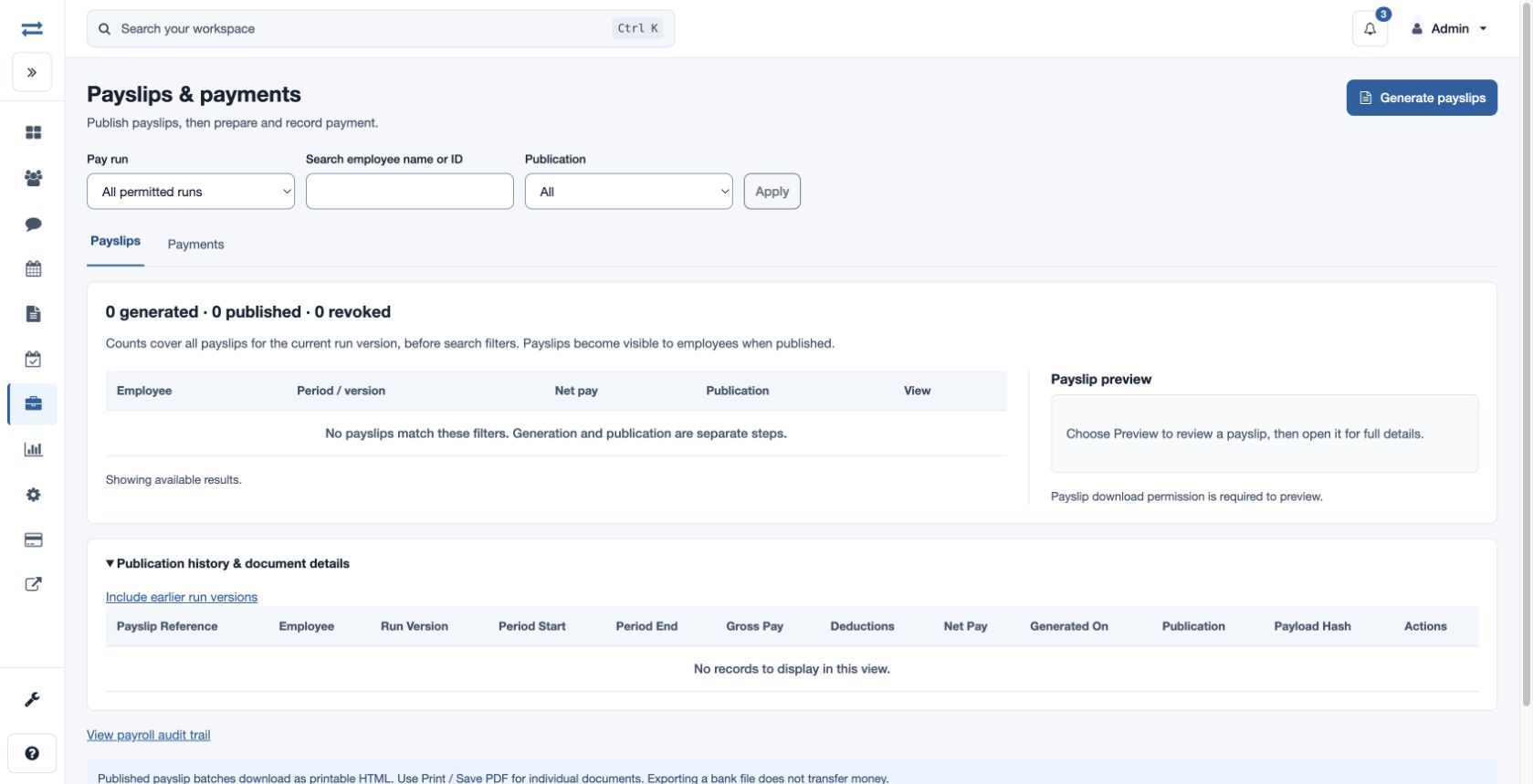
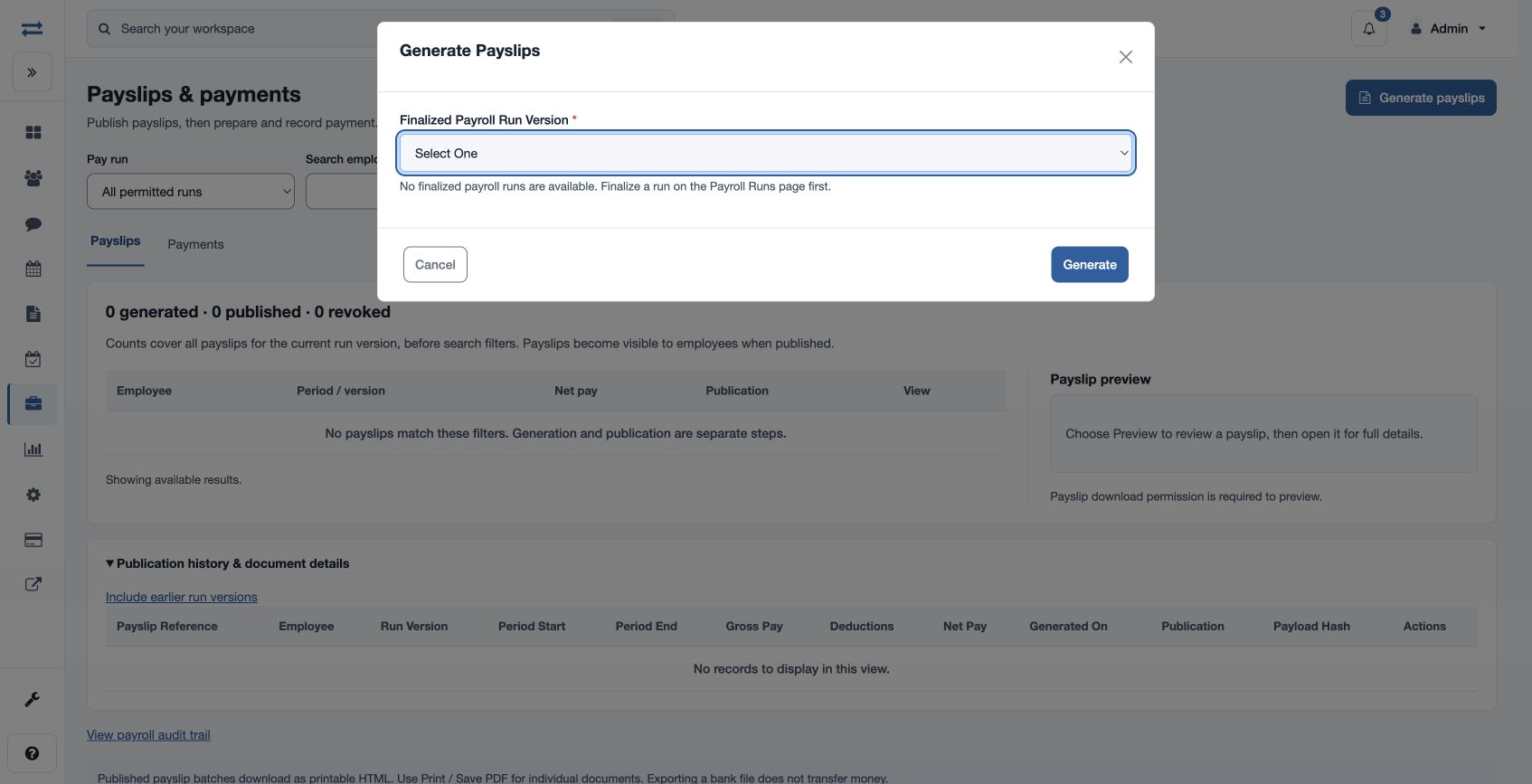
Open Payroll → Payslips & payments. An authorized user generates payslips from a finalized run, selects the run and version, and reviews the results before publication. Filter by Pay run, employee name or ID, and Publication (All, Generated, Published or Revoked). Preview requires payslip download permission. Employees see their published payslips in My payslips and can open and print them.
Publish and manage documents
Use Review publication to publish eligible payslips. Publication history can include earlier run versions; Downloads & recovery actions provides authorized bulk download, revocation or republication for the selected run/version. Published batches download as printable HTML; use Print / Save PDF for individual documents.
On the Payments tab, an authorized user prepares the bank CSV and reviews export and reconciliation details. Exporting or submitting a bank file does not transfer money. Confirm the actual submission count and amount before recording payment. Bank data and payment permissions, availability controls and the run’s state determine which actions appear. If a file or payment action is unavailable, review bank setup and the displayed explanation or contact support.