Attendance report views
Review attendance entries, hours, registers and HRMS views.
Choose an attendance view
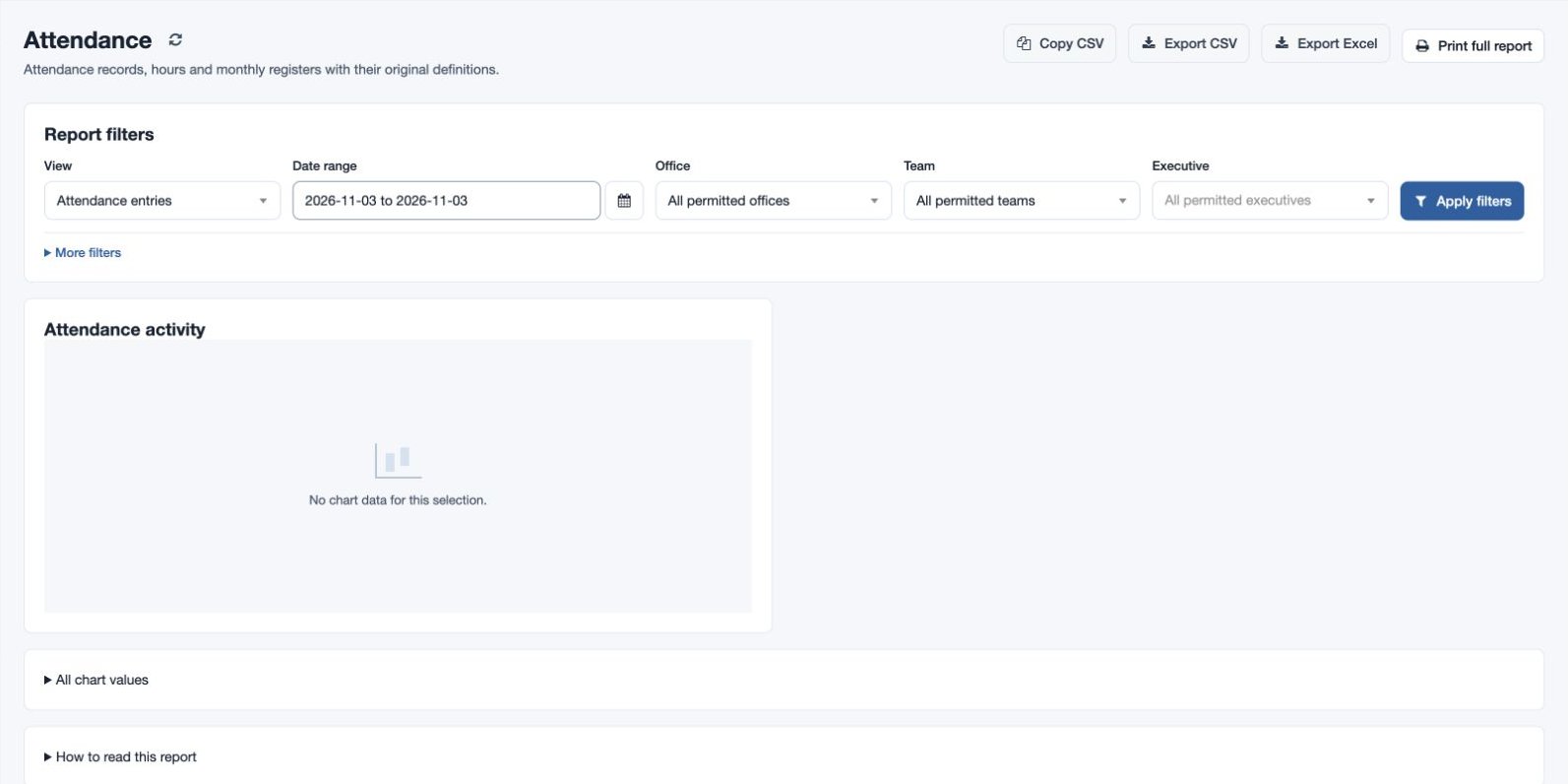
Open Reports → Attendance. Select a View, then a From and Through range or, for the monthly register, a Register month. Filter by employee, office, team or employee name/email and choose Apply filters. Available views depend on permissions and plan.
- Attendance entries lists recorded punches; Attendance map displays available check-in and check-out locations where maps are enabled.
- Consolidated hours shows worked hours, calendar shift hours, days with check-in and missing clock-outs. Recorded overtime shows recorded overtime hours alongside shift hours, check-in days and missing clock-outs.
- Monthly compliance register shows a daily register and counts for Present, Absent, Pending today and Future days. Today and future days should not be read as confirmed absences.
- HRMS daily shows check-in, check-out, worked hours, late and early minutes; HRMS monthly summarizes attendance records, worked hours, late and early days. HRMS late / early lists late and early minutes, HRMS missing records lists dates and status, and HRMS recorded overtime shows recorded overtime.
Review charts and records, sort and search, and use Copy CSV, Export CSV, Export Excel or Print full report when available. For fictional Mira Rao, select her and a week to inspect incomplete punches. If results are missing, check the date range, scope and selected view; compare the shift and policy and review overnight shifts before treating a missing clock-out as an error.