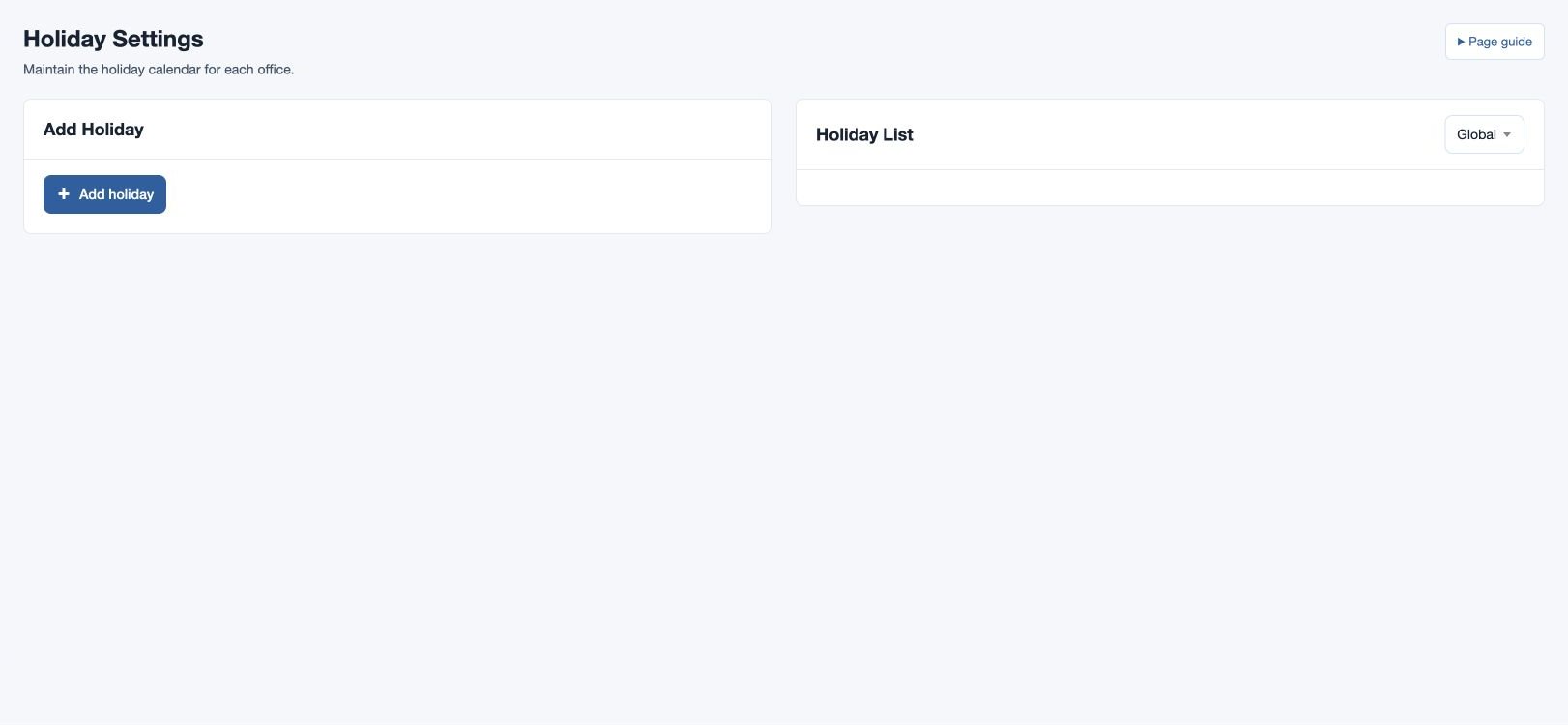
Holiday Settings
Maintain global and office holiday calendars.
Maintain the holiday calendar
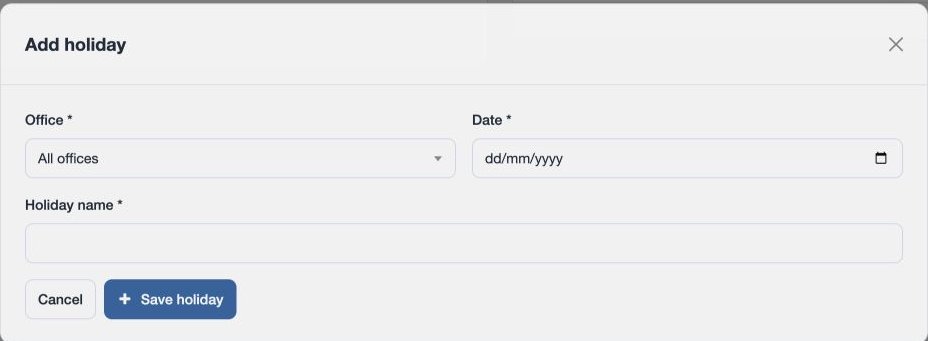
Open HR & attendance → Attendance → Holiday Settings. An administrator with HR management permission can add or delete holidays. Under Add Holiday select Office (All offices, available to full administrators, or an office), Date and Holiday name, then choose Save holiday. Holiday name is limited to 45 characters. Confirm the entry in Holiday List, using its office filter where needed.
For example, add “Founders Day” on 2026-07-10 for the fictional North office. An All offices holiday appears as Global and applies across offices; a local holiday applies to the selected office. Check the office and date if it does not appear in a calendar or attendance calculation. To remove an obsolete entry, select its delete control and confirm. The viewer timezone is shown on the page.