My profile and password
Review account details and change your own password.
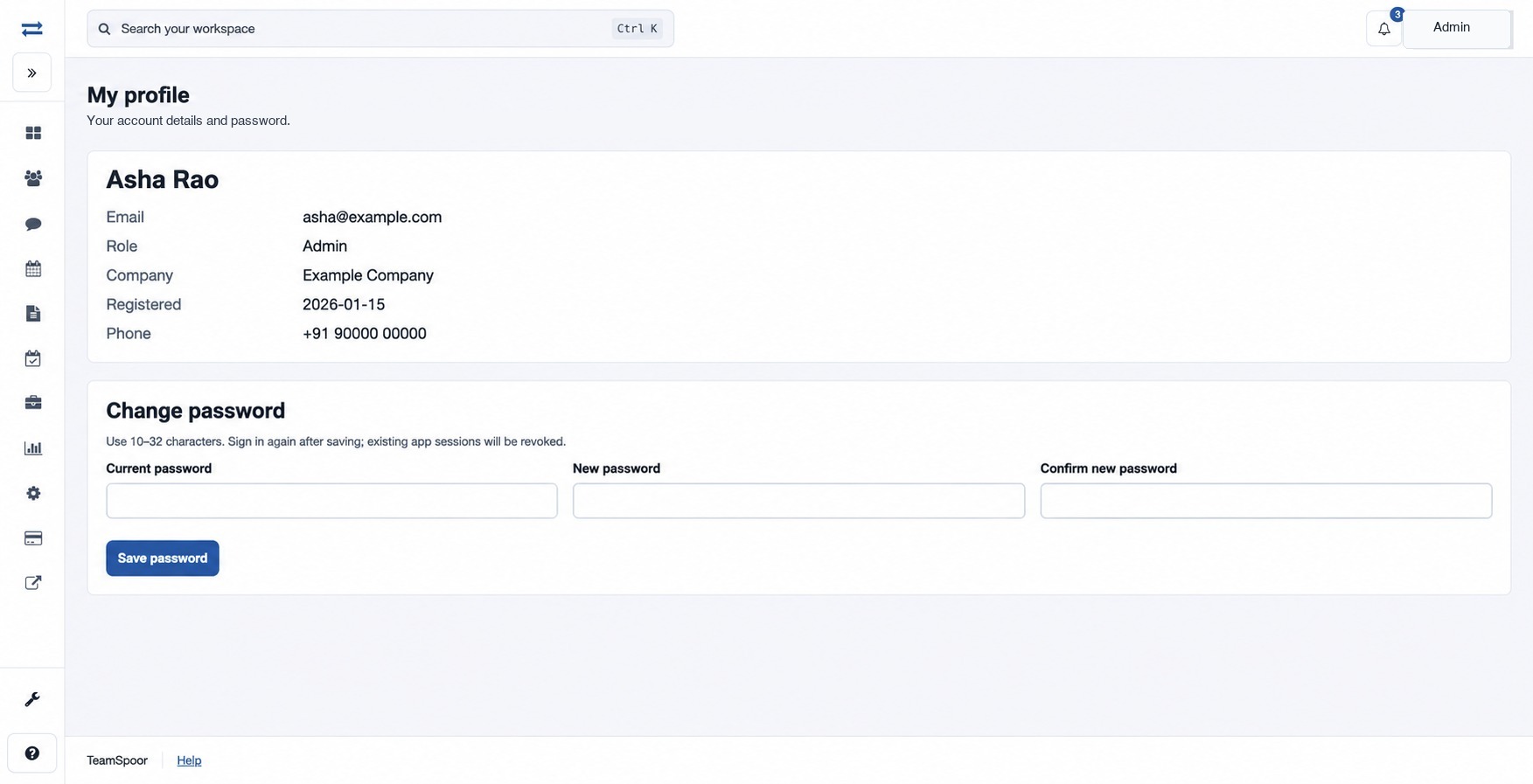
Open the Account menu and choose My profile to see your email, role, company and available account details.
How to use this page
- In Change password, enter Current password.
- Enter a New password of 10–32 characters and repeat it in Confirm new password.
- Select Save password, then sign in again. Existing app sessions are revoked.
If the change fails, verify the current password and that both new entries match. Ask an administrator for help if you cannot access the account.