Employee Loans
Review employee loans for a selected payroll scope.
Purpose and access
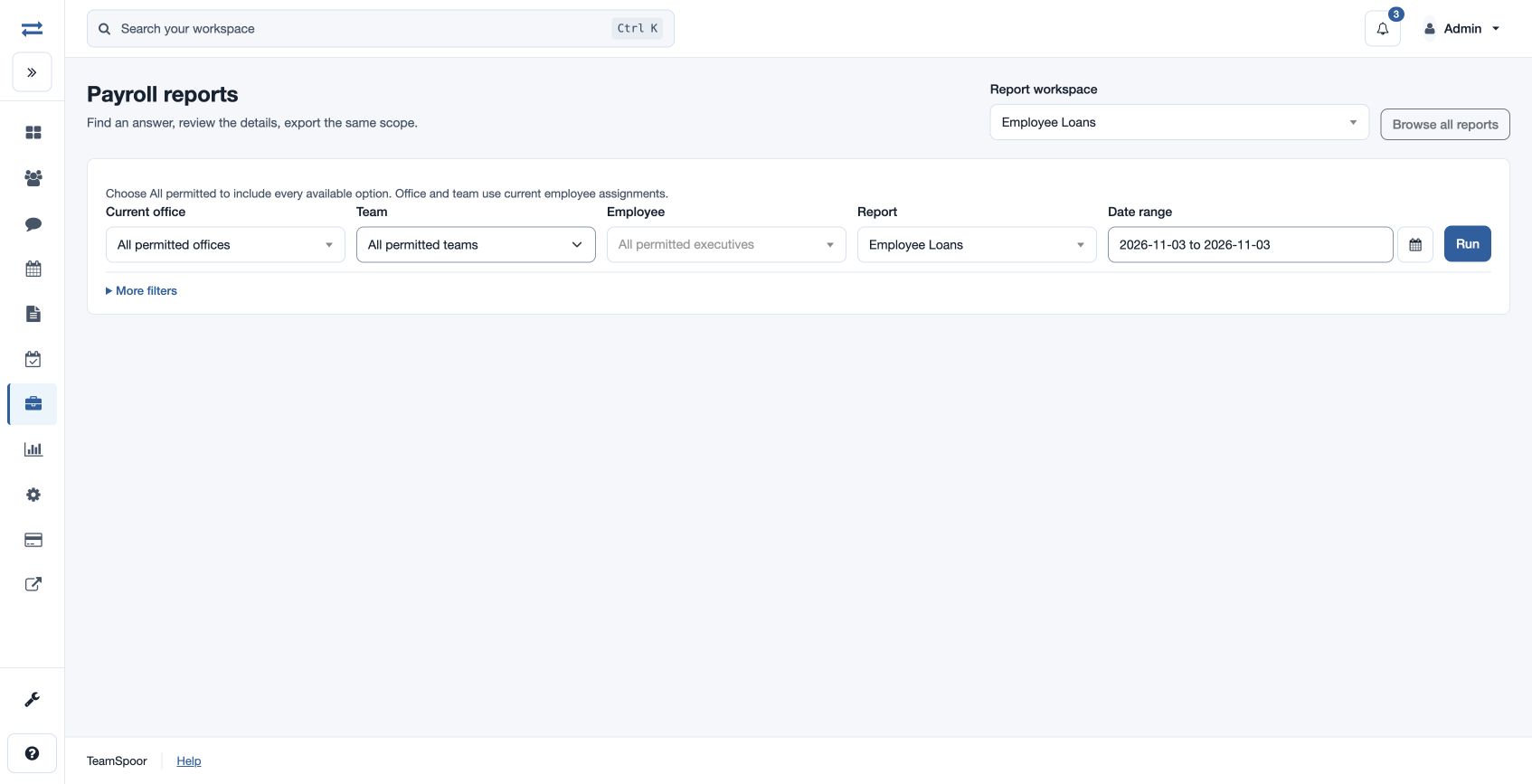
Open Payroll → Reports → Employee Loans. The payroll feature and employee loan report permission are required; CSV export requires report-download permission. An existing loan-report permission can also provide limited access; only the Employee extra filter is shown in that case.
Run the report
- Select the report in the report picker, then set the office and Date range for the period to review. Open More filters and choose Run Status: ALL.
- Choose Team and Employee as needed; use More filters to set the available Department, Payroll group and Component. Choose All permitted to include all available choices.
- Choose Run, inspect the results and use Export CSV if available. The export uses the selected permitted scope.
All request dates ignores the From and To fields. Clear it to limit the report by request date.
What the results show
The report includes: Reference, Employee, Policy, Loan Type, Request Date, Principal, Total Repayable, Outstanding, Request Status, Recovery Status, Scheduled Total, Recovered Total, Control Status.
Example and troubleshooting
Compare total repayable and outstanding with scheduled and recovered totals for a loan before following up on a recovery status. If no rows appear, check the date range and scope, then confirm report access. Office and team use current employee assignments.
Results and limits
Review the summary above the sortable result table and any available charts. When All request dates is clear, dates are inclusive in the viewer timezone; From must not follow To, and the range cannot exceed two years. If more than 2,000 results match, narrow the range or scope. Export CSV uses the selected scope and requires download permission.
Interpret the result
Control Status compares stored outstanding with the original repayable amount less recovered amounts, floored at zero: MATCH agrees within rounding tolerance; MISMATCH calls for investigation.