Field activity, distance, stops and geofences
Compare field work and inspect recorded movement and events.
Filter the report
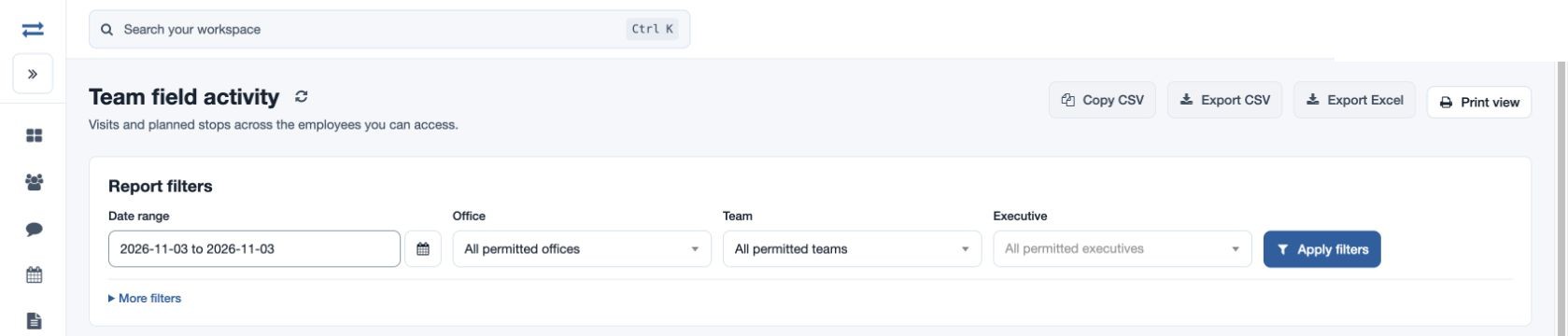
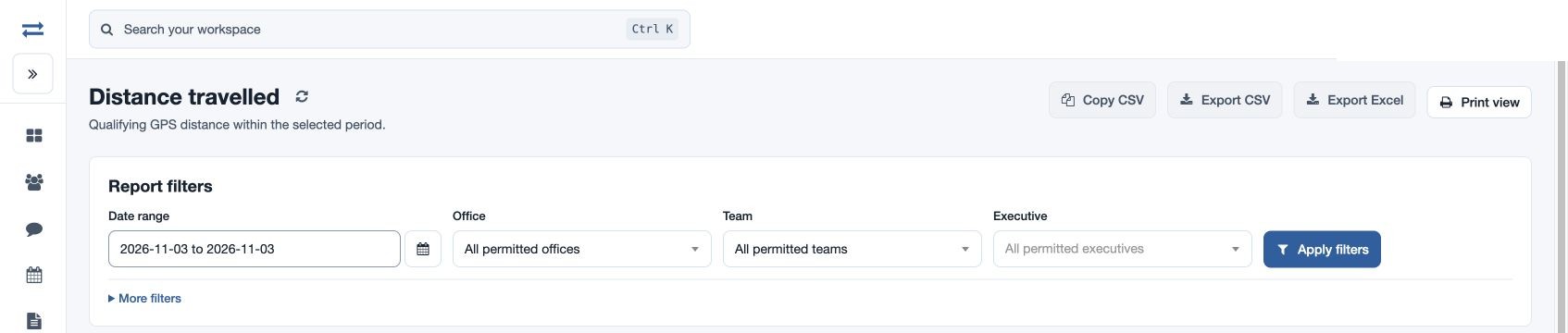
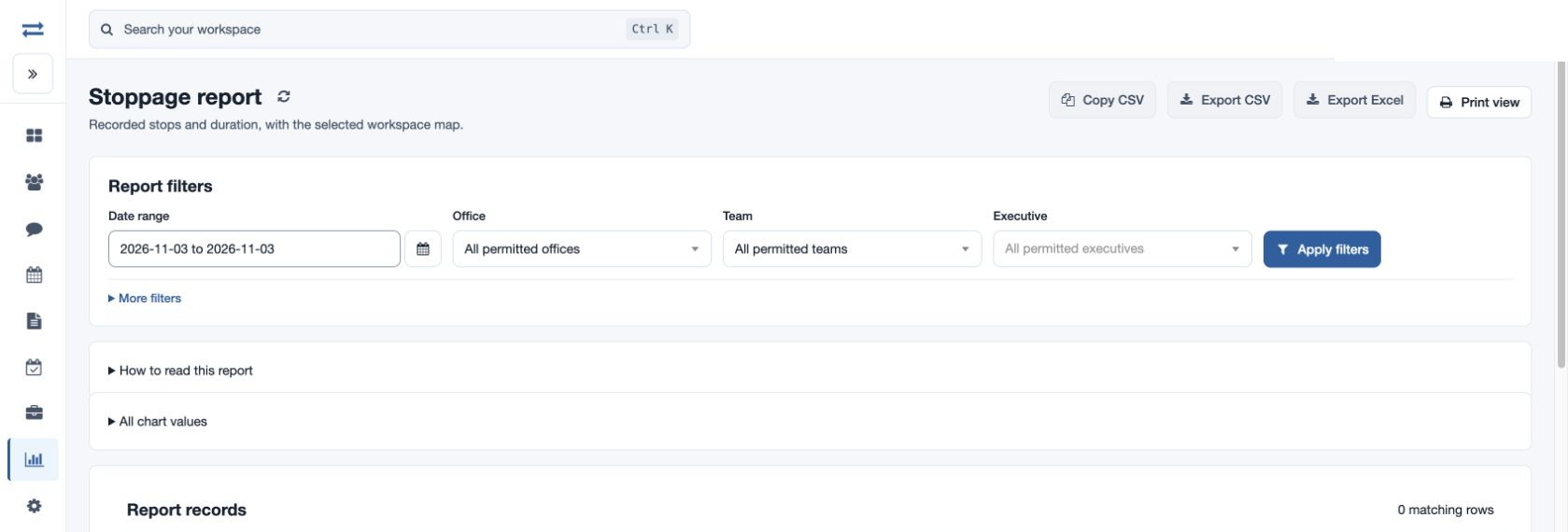
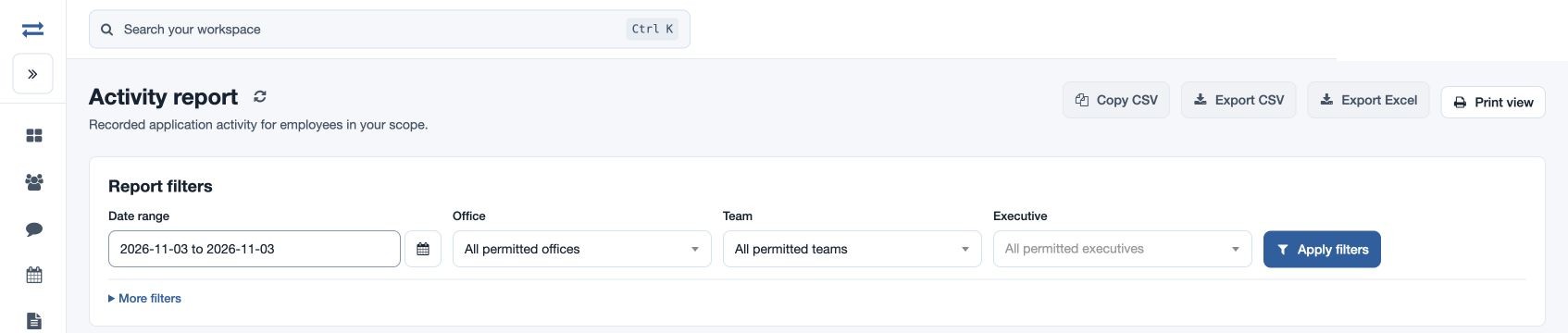
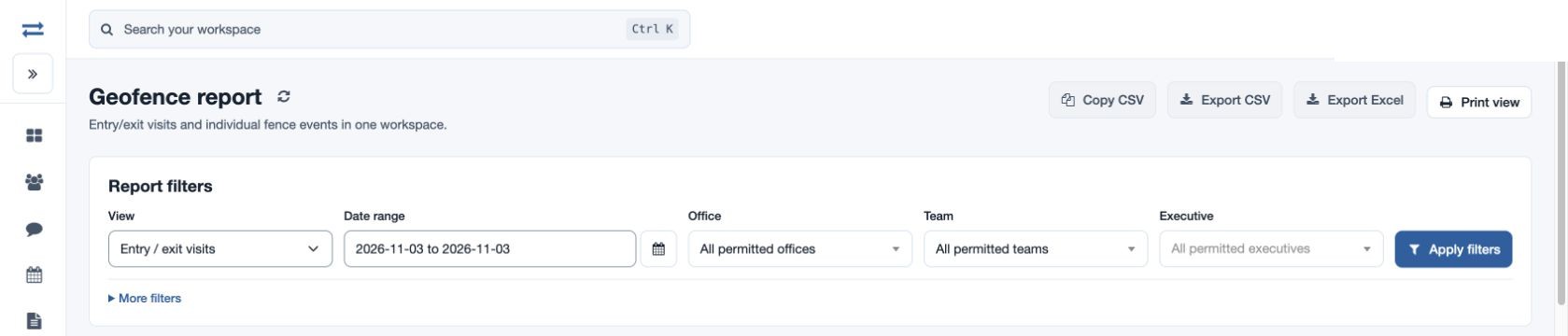
Open the required report from Reports. Choose From and Through, available Office, Team and Executive, and optionally search by employee name or email; select Apply filters. Geofence search also accepts a fence name. Charts, records, print and permitted CSV or Excel actions help review the selected scope.
Choose a field report
- Team field activity compares visits with planned stops. Review pending stops, productive and verified visits separately, and check visits without distance before relying on journey totals.
- Distance travelled shows qualifying recorded GPS distance by employee and date. Check each employee’s unit before comparing totals. If missing, check whether the app recorded locations.
- Stoppage report shows recorded stops, their start and duration, with a map when available. A missing duration means the length could not be confirmed.
- Activity report lists recorded application activity. Read Recorded at with Recorded activity to reconstruct the sequence.
- Geofence report offers Entry / exit visits and Breach events in View. Review arrival and departure for the first, movement alerts for the second. A missing exit means no departure was recorded.
Follow up
For example, filter fictional North team to one week, identify a pending stop in Team field activity, then review the related visit or route. An empty map does not itself prove no activity occurred; check date, scope, device recording and coordinate availability.
Filter and interpret results
Set a valid inclusive From and Through range and compatible Office, Team and Executive selections. Search and additional filters vary by report. A selection must be within your permitted scope; clear a conflicting team or executive if filters cannot be applied. Report availability depends on its feature and permission, and a report exceeding 2,000 rows needs a narrower selection. Charts, sortable records, pagination, refresh, print and permission-controlled direct exports are provided where shown.