Attendance exceptions
Find late arrivals, missing clock-outs and pending corrections.
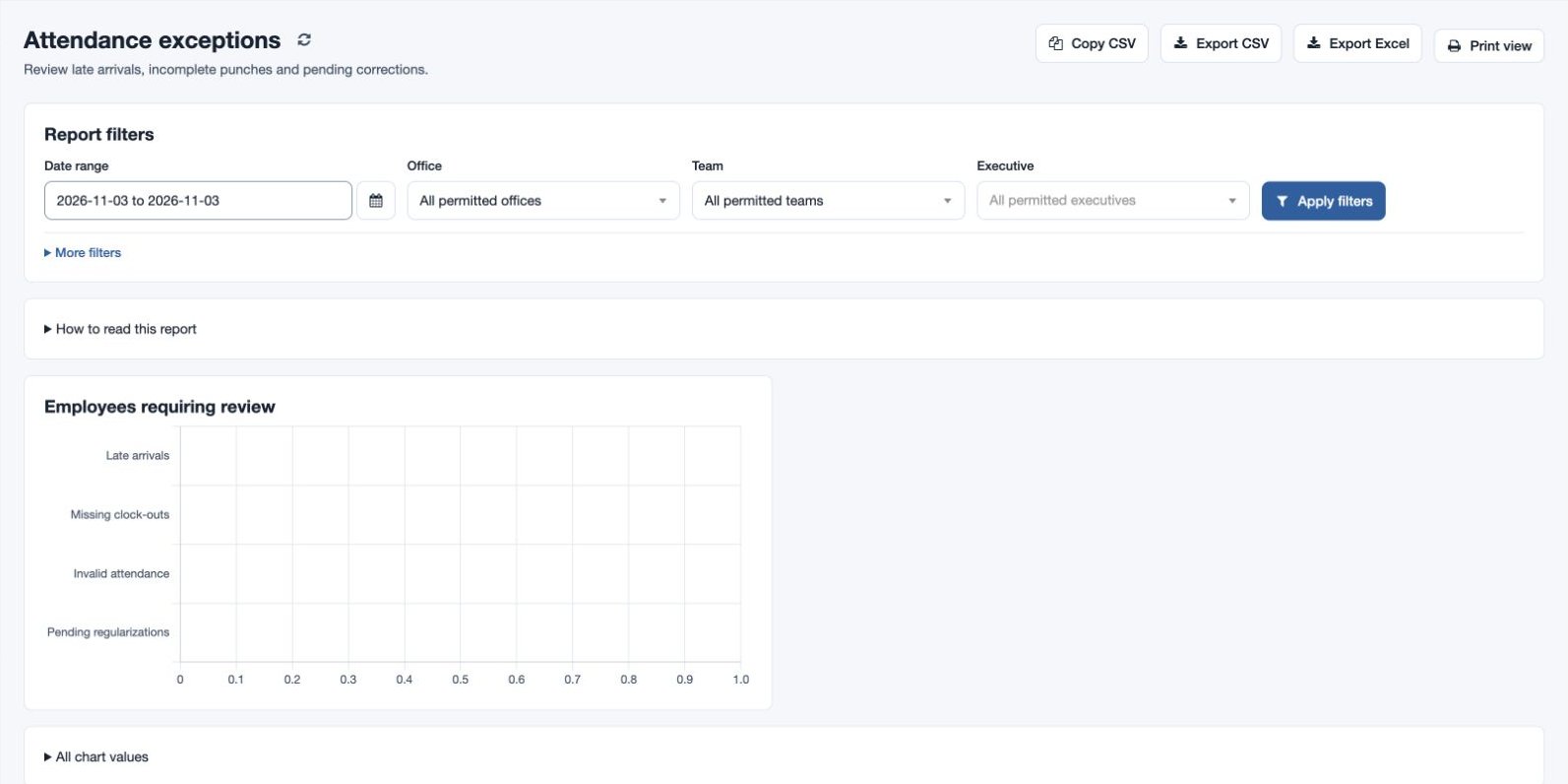
Open Reports → Attendance exceptions with attendance-report permission. Choose a date range and narrow it by employee, team or office; apply filters. Review late arrivals, missing clock-outs and pending corrections in the returned records, and use the available search, sort and export controls.
For example, review the fictional North team’s prior week and investigate an open clock-out before requesting a correction. Today and future dates are not treated as absences. If no results appear, check the dates and permitted scope; compare an overnight shift before following up on an open punch.
Read the measures
The records include employment and scheduled/completed working days; days with attendance and working days with attendance; absent day equivalents, holidays, weekly offs and attendance on days off; approved paid and unpaid leave and pending requests; worked and overtime hours; late arrivals and minutes; early clock-outs and minutes; missing clock-outs; invalid and duplicate attendance days; attendance without shift; and approved and pending regularizations. The chart highlights employees requiring review. Use All chart values to inspect chart figures and How to read this report for definitions.
Compare date and scope before drawing conclusions. A missing clock-out may need a correction, but check overnight schedules and the underlying record first. Copy CSV, Export CSV, Export Excel and Print view are available subject to permission.
Use the Date range, Office, Team and Executive selectors and expand More filters to search name or email. Select Apply filters, then sort the desired column and use Previous/Next for the records. A missing shift, duplicate record or invalid punch should be checked in the original attendance and employee setup before taking action.