Tax declarations
Record declarations and review their eligible amounts and proof.
Record a declaration
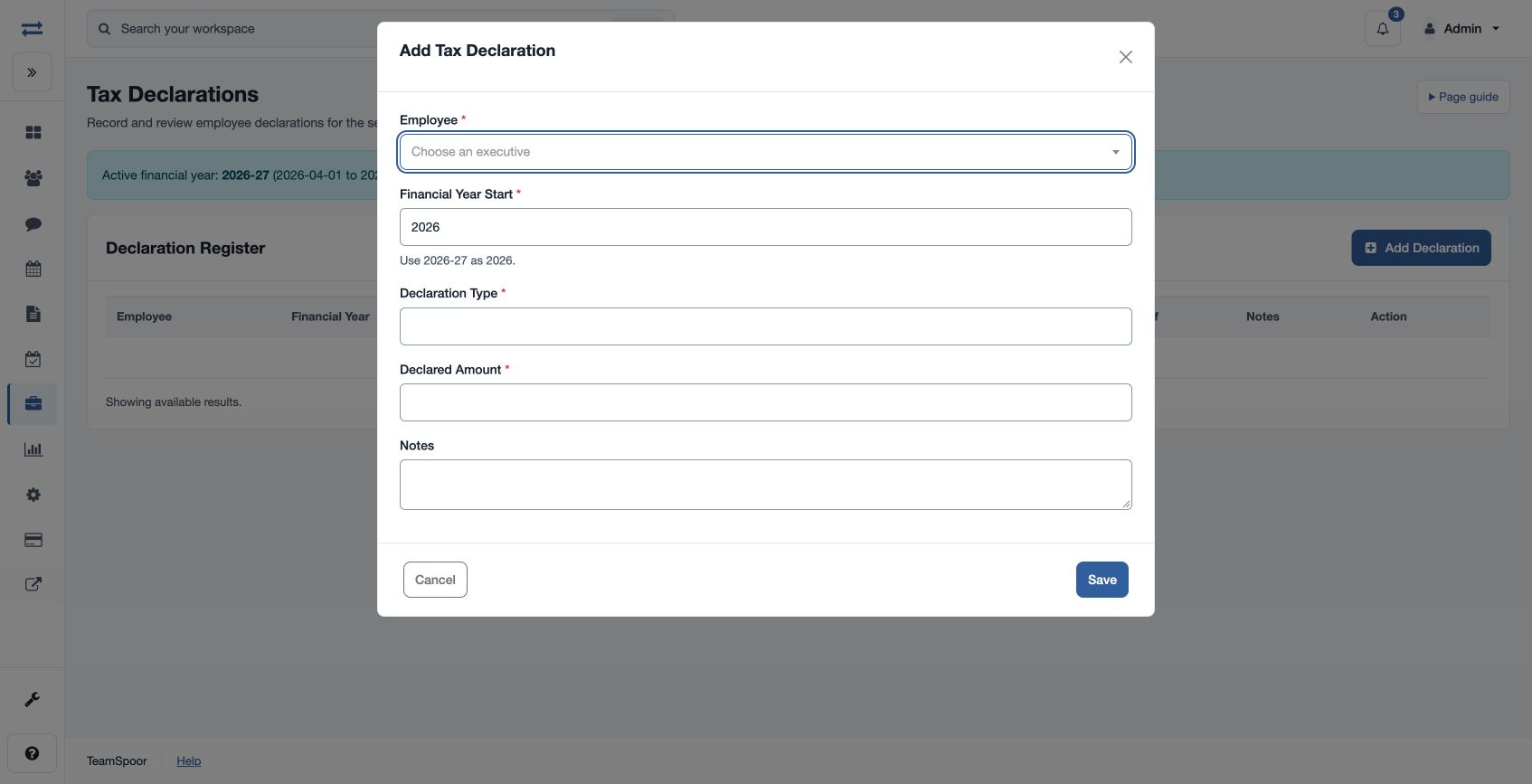
Open Payroll → Inputs & adjustments → Tax Declarations. Add a declaration with Employee, Financial Year Start (the starting year shown by the page), Declaration Type, non-negative Declared Amount and optional Notes. The register displays declared and eligible amounts, declaration status and proof status.
Review approval and proof
An authorized statutory reviewer can approve a submitted declaration and set the eligible amount, then verify or reject pending proof where offered. The effective statutory rule’s declaration policy and proof requirements affect payroll treatment. For example, enter the start year of a financial year rather than its ending year, and review the eligible amount after approval. If approval or proof controls are unavailable, check permissions and contact support if the page says the controls are not available for your company.
Validation and result
Financial Year Start must be between 2000 and 2100. Declaration Type starts with a letter and contains 2–60 letters, digits, spaces, underscores or hyphens. Declared Amount is between 0 and 999,999,999; notes can contain up to 1,000 characters. A new record is Submitted with proof Pending.
The reviewer can approve a Submitted declaration with an eligible amount from zero up to the declared amount. After approval, a reviewer can mark pending proof Verified or Rejected. If the applicable rule requires verified proof, an approved declaration contributes only after verification; otherwise its approved eligible amount can be considered without that proof status.