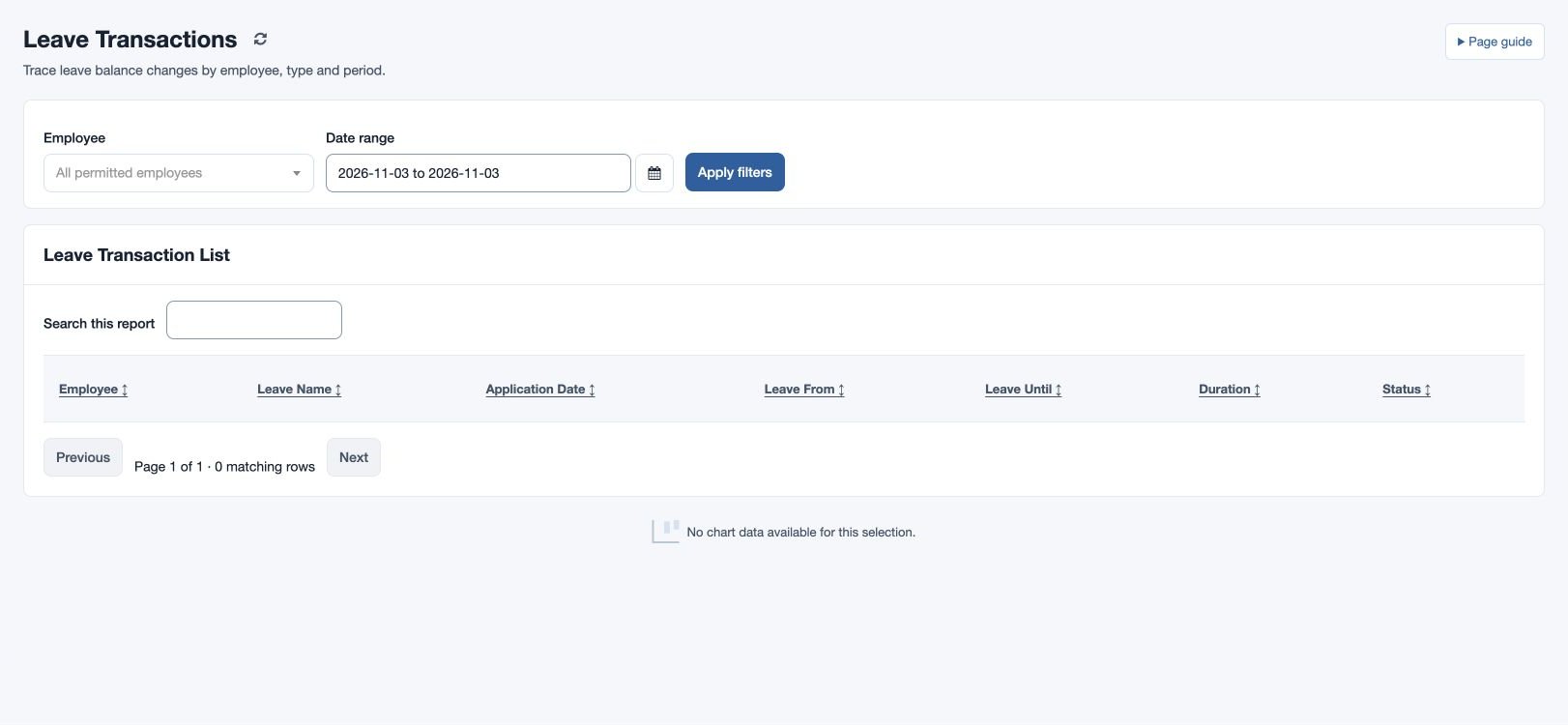
Leave Transactions
Audit requests and decisions over a date range.
Filter leave requests
Open HR & attendance → Leave → Leave Transactions with HR workspace access. Select Employee or all permitted employees, choose the Date range and select Apply filters. Review pending, approved and rejected requests, reading application dates alongside leave dates. The page shows the report timezone.
For example, filter fictional Mira Rao for April to investigate a pending request. If a request is missing or appears on an unexpected date, check the employee, date range, timezone and permitted scope. Use Leave Approvals to act on eligible pending requests and Leave Balance to inspect ledger effects.
The Leave Transaction List columns are Employee, Leave Name, Application Date, Leave From, Leave Until, Duration and Status. Duration is displayed as days and hours; statuses are Pending, Approved and Rejected. Application and leave timestamps use the report timezone.
The selected date range must cover the entire leave interval: a request beginning before the start or ending after the end is excluded. Expand the range when investigating a long request spanning the boundary.