Payroll groups
Group employees with common payroll rules.
Before you begin
Open Payroll → Setup & policies → Payroll Groups. A payroll-enabled plan and payroll-settings permission are needed to manage groups. Choose a clear name and determine whether the group is global or restricted to an office.
Create a group
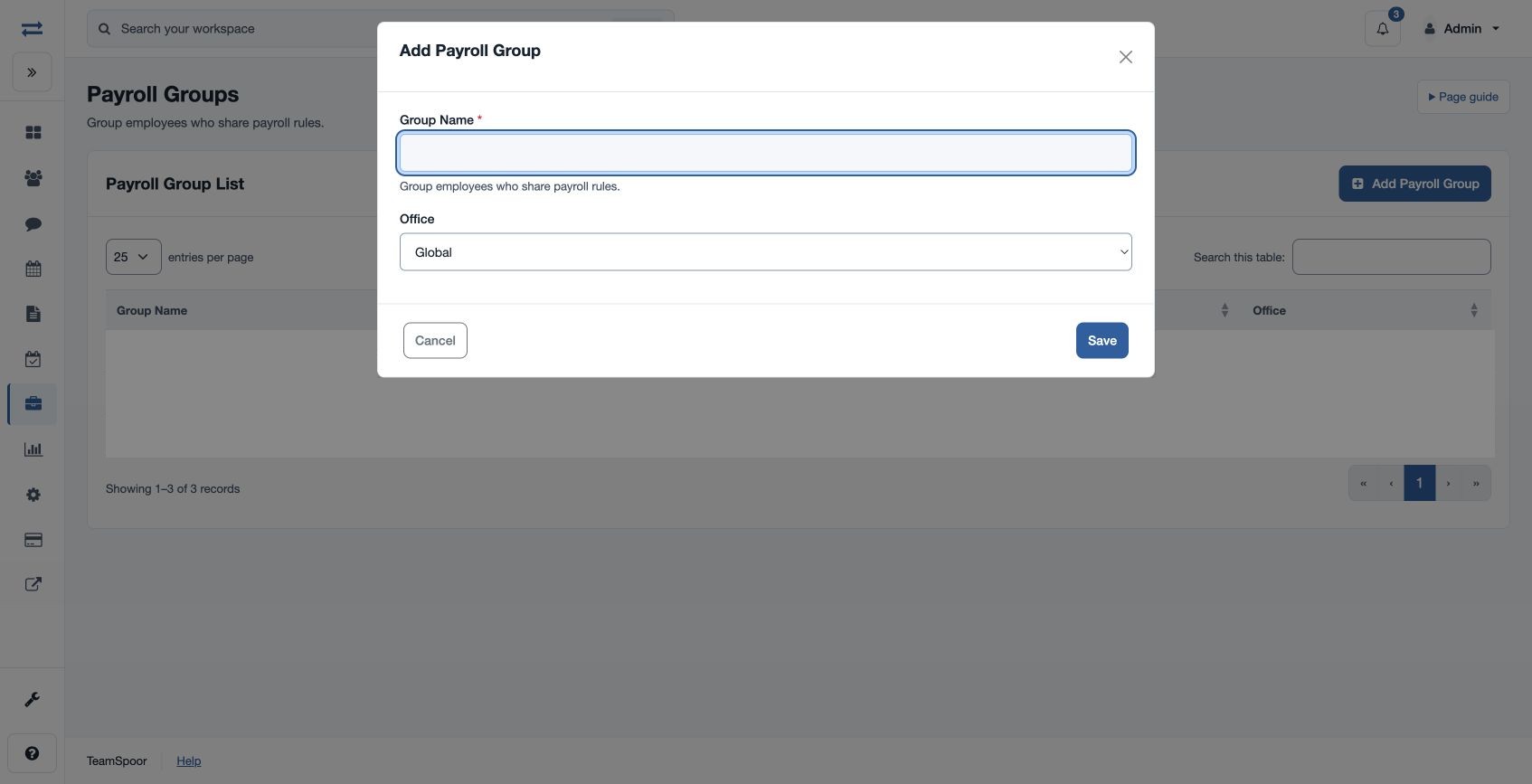
- Choose Add Payroll Group in the Payroll Group List.
- Enter required Group Name, using 3–80 characters, such as “Monthly operations”.
- Choose Office: Global or an available office. Save the group.
- In Payroll Foundation employee setup, assign the appropriate employees to the group and check their readiness.
The list shows Group Name and Office. If the group cannot be selected for an employee, check office scope and that the record is active.