Payroll and cost reports
Review pay results, cost, components and changes across periods.
Choose a payroll and cost report
In Payroll → Reports → Payroll & cost, choose the report that answers your question:
Review the results
- Payroll Register reviews employee payroll results; Paysheet summarizes the selected period and office. Paysheet filters include Run Status (All Statuses, Draft or Finalized / Released), office and From/To dates.
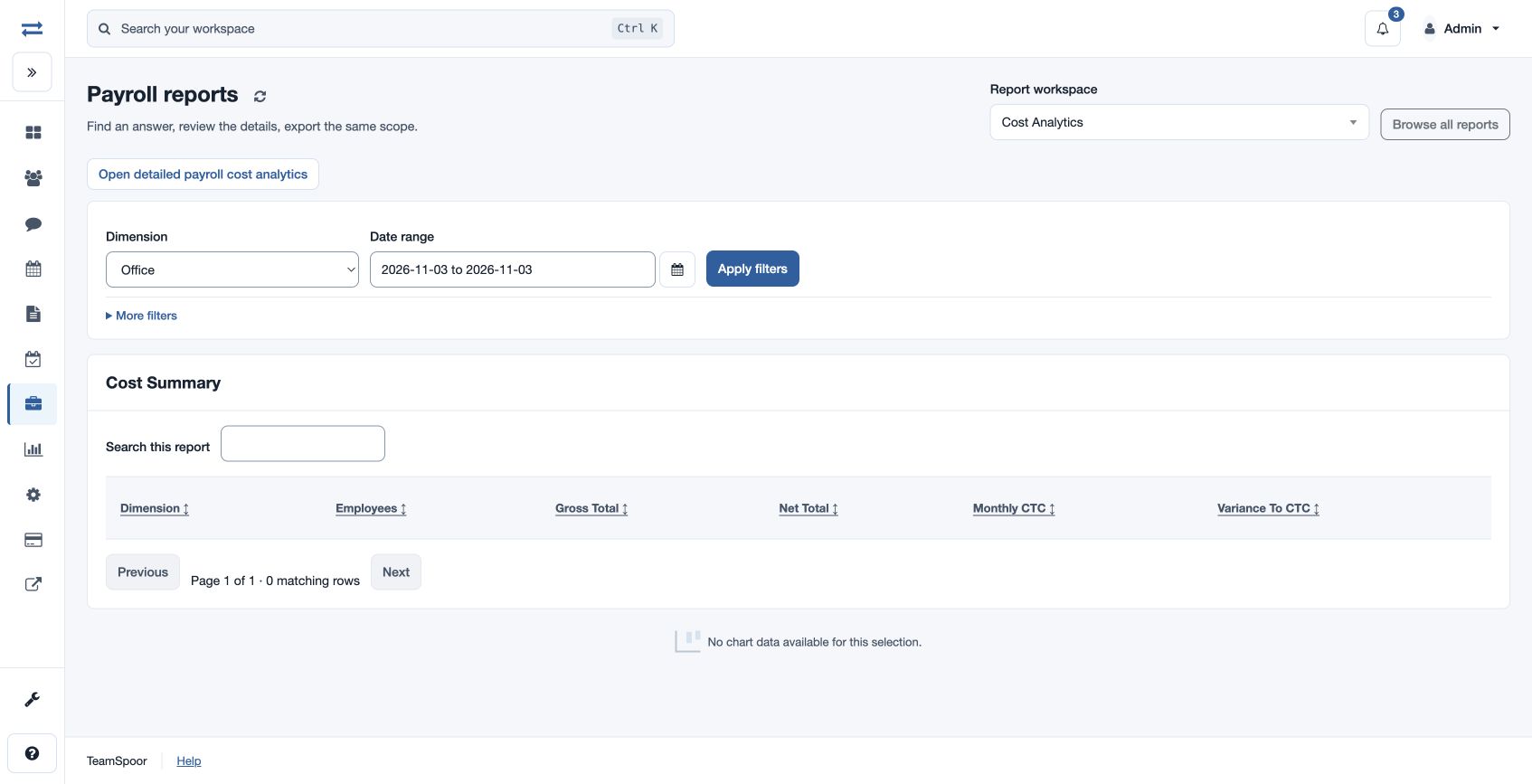
- Cost Analytics groups costs by Office, Department, Payroll Group or Cost Center; select the dimension, office and date range. Cost Center reviews allocations and monthly cost.
- Component Summary filters All, Earning, Deduction or Employer components by office and dates.
- Payroll Variance compares payroll changes for From–Through dates. The control reports also offer Month-on-month Payroll Variance, Payroll Component Summary, Payroll Cost Analytics, CTC Versus Actual Payout and Payroll Management Trends.
Apply the filters, inspect the records behind the totals and export where permitted. For example, compare one office’s current month with the preceding month, then investigate an unexpected change in the relevant employee or component before approval.