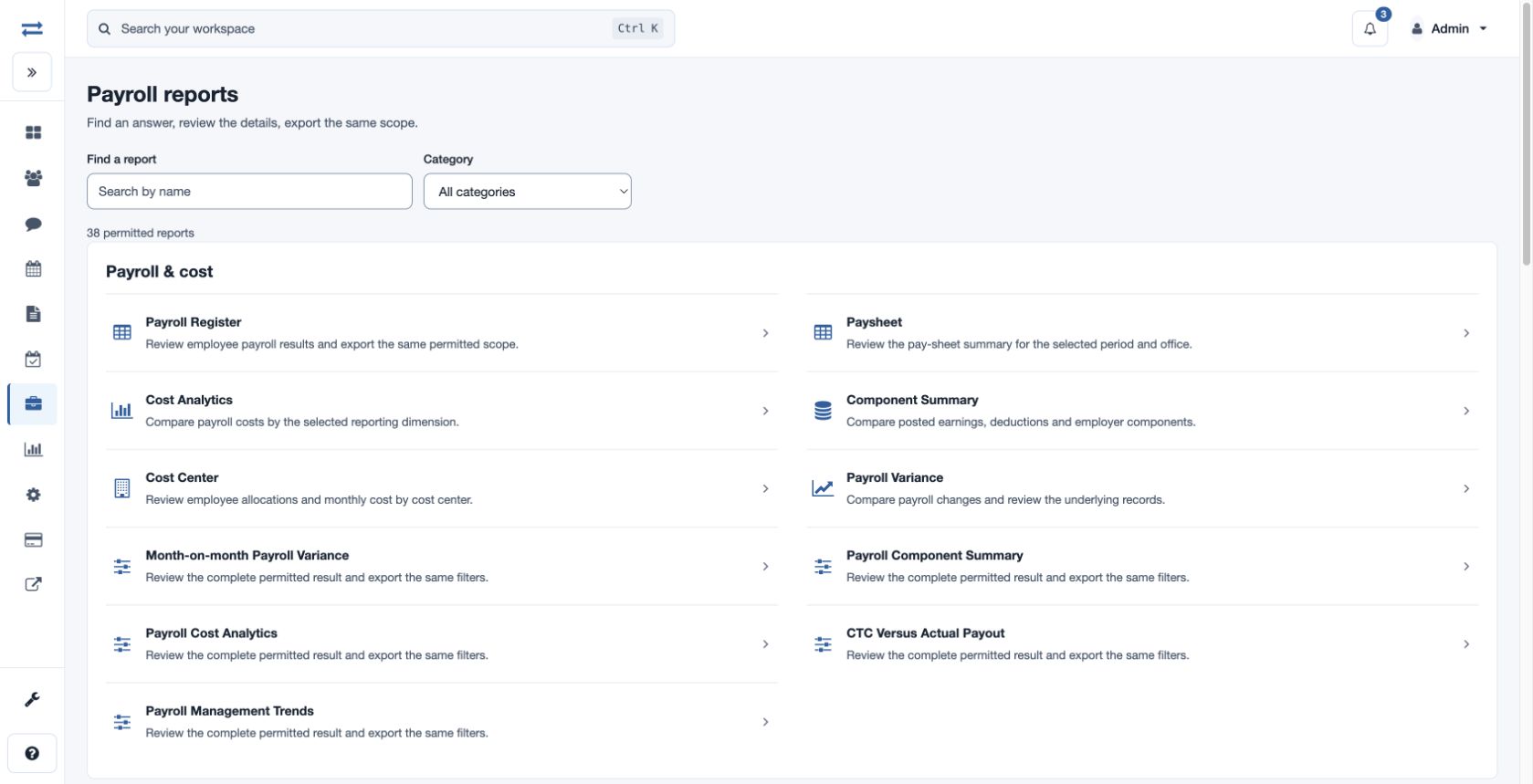
Payroll reports
Choose a report, filter its permitted scope and export the results.
Find a payroll report
Open Payroll → Reports. Search by report name or choose a category: Payroll & cost, Payments & statutory, Attendance & inputs, Loans & recoveries, or Controls & audit. Reports and exports require the corresponding permissions and show only permitted scope.
Filter and export
On a Payroll Control Report, choose Report, Run Status, Report View, office and From/To dates, then choose Run. More filters can include Employee, Team, Department, Payroll group and Component. Choose All permitted to include the available scope. Export CSV downloads the filtered results when you have export permission. Salary Advances and Employee Loans also offer All request dates, which ignores the date fields.
Pay attention to the office basis shown on the page: payroll office can mean the office on the run, while current office and team use current employee assignments. If nothing appears, widen the dates or clear a filter and confirm permissions. Check currency before comparing monetary amounts.