Recovery Schedule
Review scheduled advance and loan recoveries.
Review the schedule
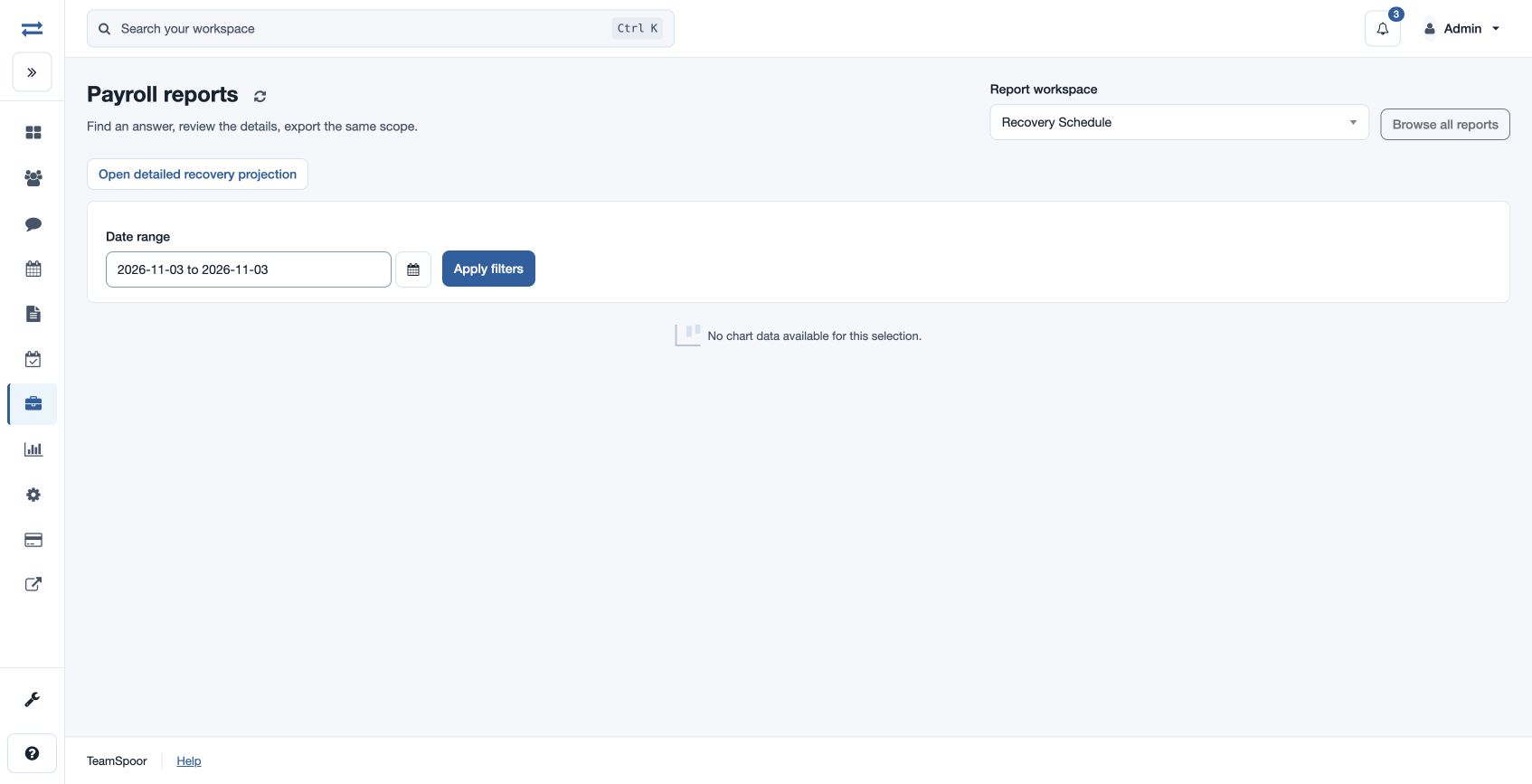
Open Payroll → Reports → Recovery Schedule. Select From Date and To Date and Apply filters. The result shows Type, Reference, Employee, Scheduled Month, Scheduled Amount, Recovered and Status; use search, sort and pagination. The chart summarizes available data.
Compare a scheduled recovery with the underlying advance or loan and separately recorded repayments. Open detailed recovery projection for the related control report. If no schedule appears, check the date range and the request’s recovery terms.
Access and scope
The payroll feature and payroll report permission are required. Results are limited to your permitted scope. If a report exceeds 2,000 entries, narrow the selected period or scope and run it again.
Understand the rows
Type distinguishes Advance from Loan; Reference identifies the original request. Scheduled Month is the date used by the range filter, Scheduled Amount is the installment, Recovered is the recorded amount recovered, and Status is the recovery state. The report combines schedules in your permitted employee scope.
For example, select a fictional June schedule for Mira Rao and compare its scheduled 1,000 with 600 recovered; review the original request and recovery status before following up. If the expected schedule is absent, include its scheduled month rather than only the original request date.