Cost Centers
Create finance groupings and map employees by effective date.
Create and map cost centers
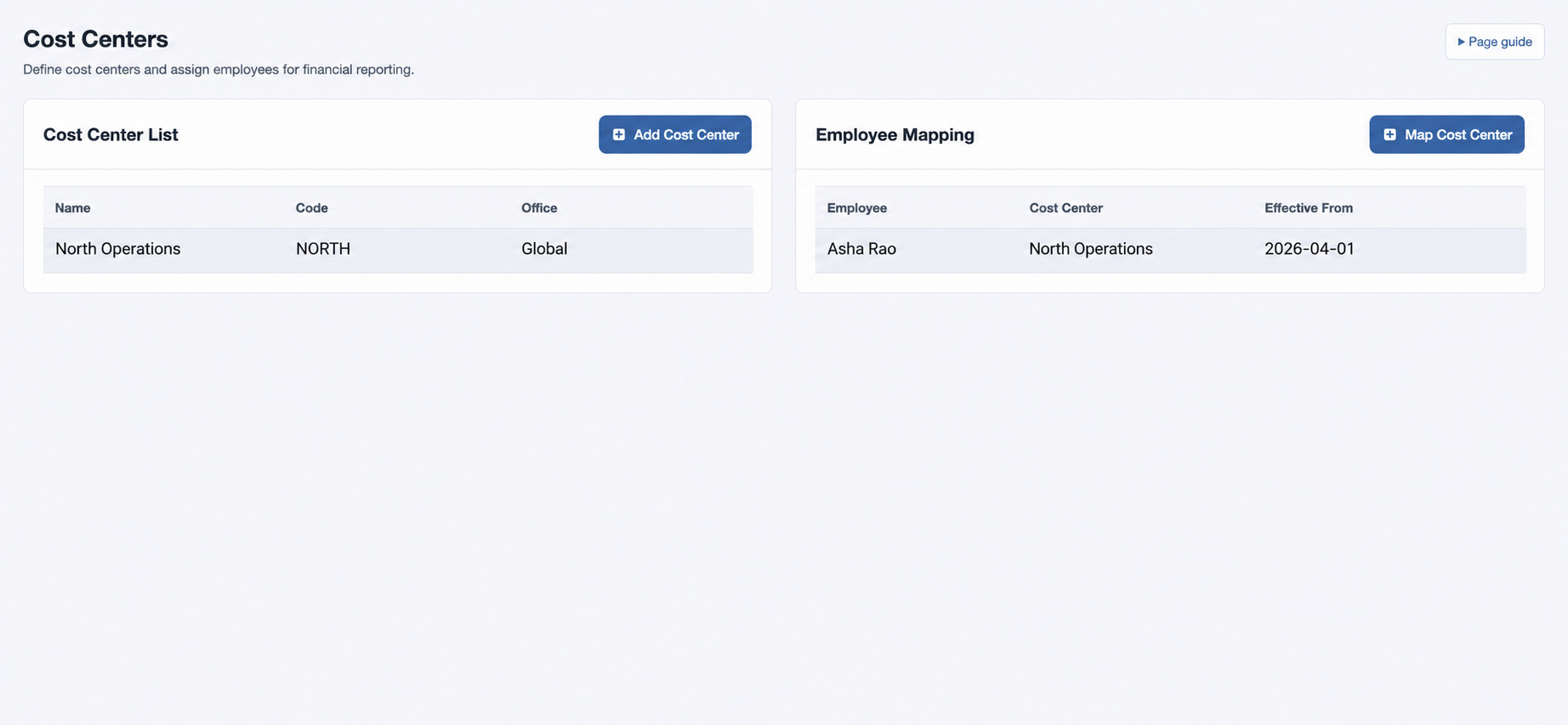
Open HR & attendance → People → Cost Centers with cost-center management permission. Cost centers track ownership or internal budgets independently of office and department.
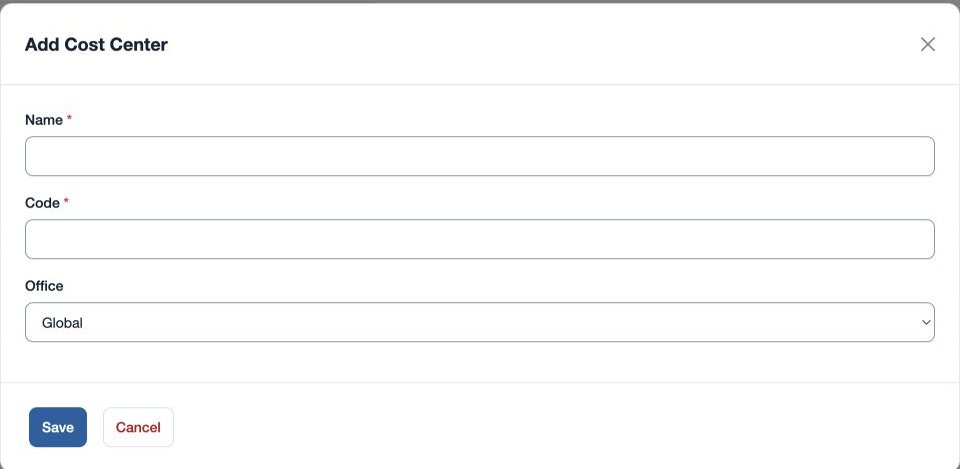
- Use the add control in Cost Center List. Enter required Name and Code, choose Global or an office, and save.
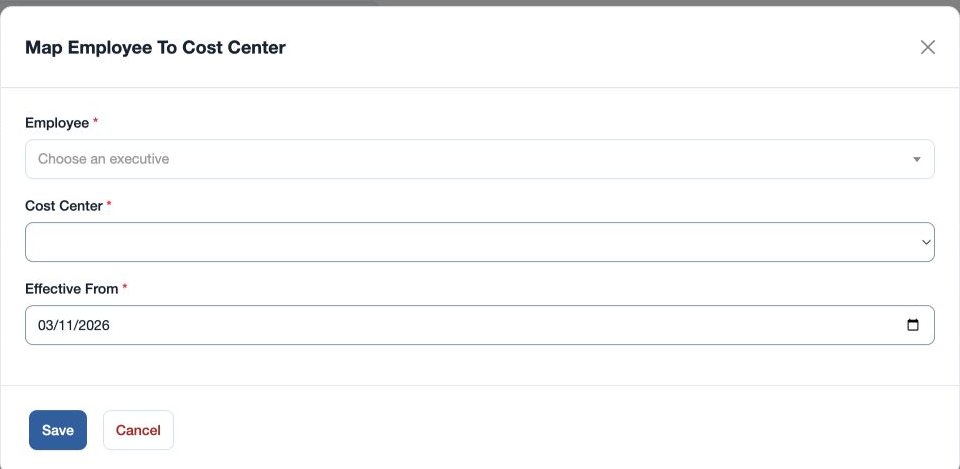
- In Employee Mapping, add an entry with required Employee, Cost Center and Effective From. Save and verify the row.
For example, map fictional Mira Rao to “North Operations” from 2026-04-01. If she remains unallocated in a report, verify the mapping’s effective date, office and reporting period.
Name must contain 3–80 characters and Code 2–30 characters; the saved code is uppercase. Mapping is a separate dated step. Check the employee, cost center and effective date if “Cost center mapping is not valid” appears.