Expense types
Maintain expense categories for the expense manager.
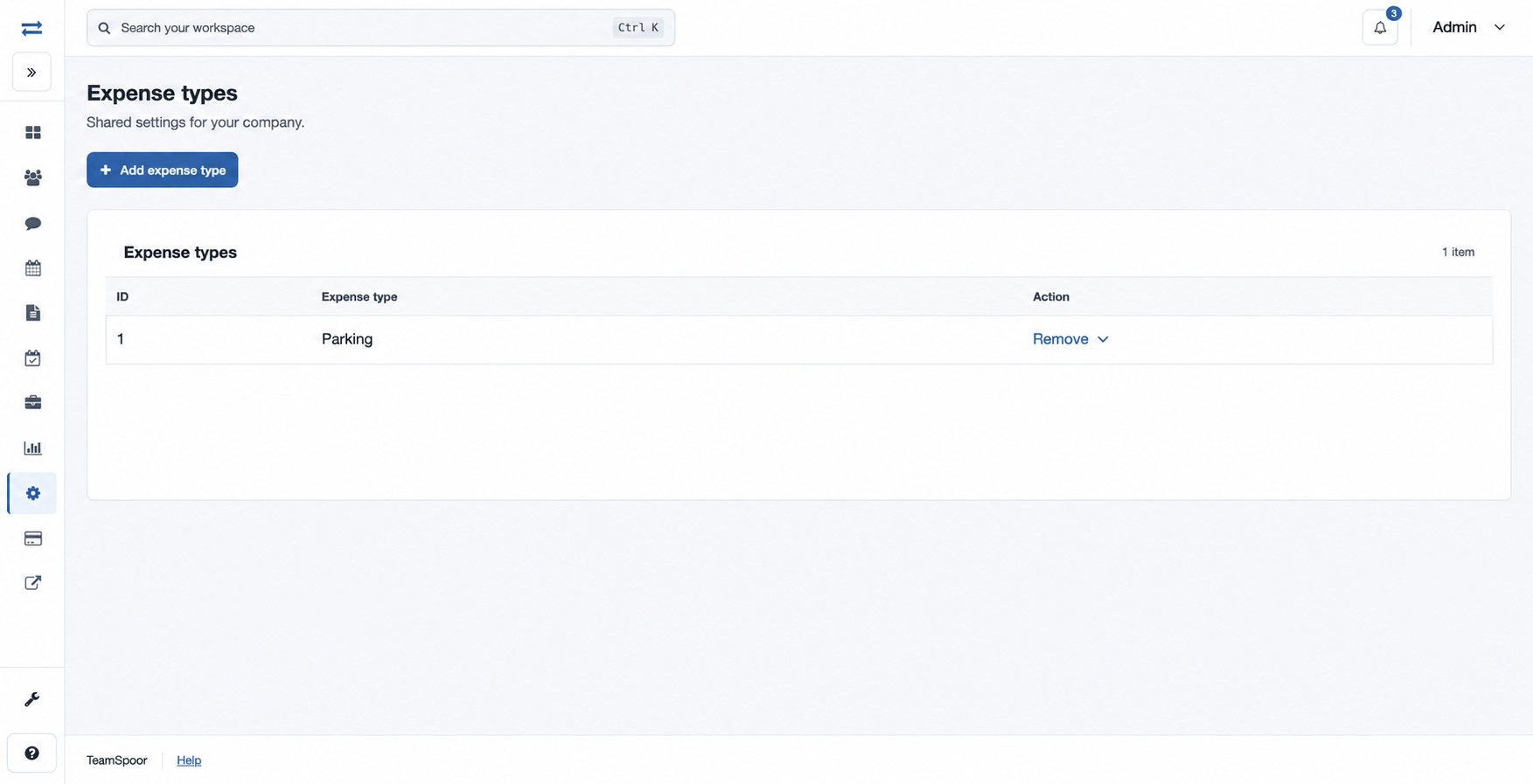
Open Settings → Expense types. This page requires an administrator account, the expense manager feature and the expense-type management permission.
How to use this page
- Choose Add expense type, enter a Name such as “Parking”, and select Add expense type.
- Check the list for the new category. To remove one, expand Remove, type DELETE, and select Remove item.
If the page is missing, check that the feature is enabled and your role has the required permission.
Name is the expense category label and can be up to 45 characters. The table displays its ID and name; use the row’s Remove disclosure to reach the confirmation.