Final Settlement Report
Review settlement amounts, components and status.
Review settlement records
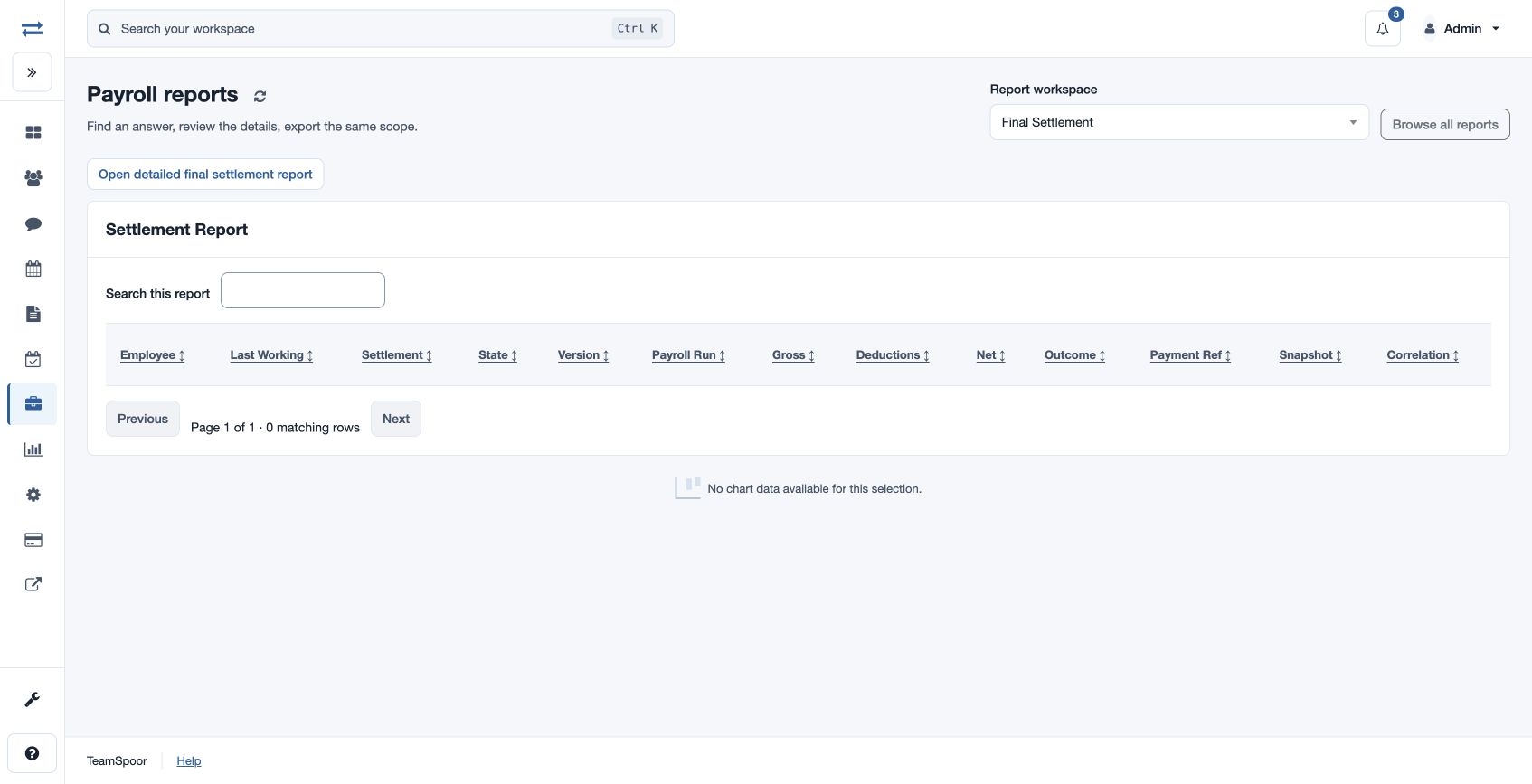
Open Payroll → Reports → Final Settlement. The report shows Employee, Last Working, Settlement date, State, Version, Payroll Run, Gross, Deductions, Net, Outcome, Payment Ref, Snapshot and Correlation. Search, sort and page through the records; a chart appears when data is available. This page does not provide a date or office filter.
Compare a settlement’s state and amounts with its register before follow-up. Open detailed final settlement report for the related control view. If no record appears, check your scope and the settlement register.
Access and scope
The payroll feature and payroll report permission are required. Results are limited to your permitted scope. If a report exceeds 2,000 entries, ask an administrator to review the accessible scope.
Interpret the record
Last Working and Settlement are the recorded dates. State and Version describe the settlement; Payroll Run identifies its associated run. Gross, Deductions and Net show recorded amounts, while Outcome and Payment Ref describe the recorded result and payment reference. Snapshot and Correlation help identify the versioned evidence and related activity; a reference alone does not confirm payment.
For a fictional settlement with gross 50,000 and deductions 5,000, compare the recorded net 45,000 with its register and payment state. Search by employee and check permitted scope if it is missing.