Designations
Create job titles for employee assignments.
Create a designation
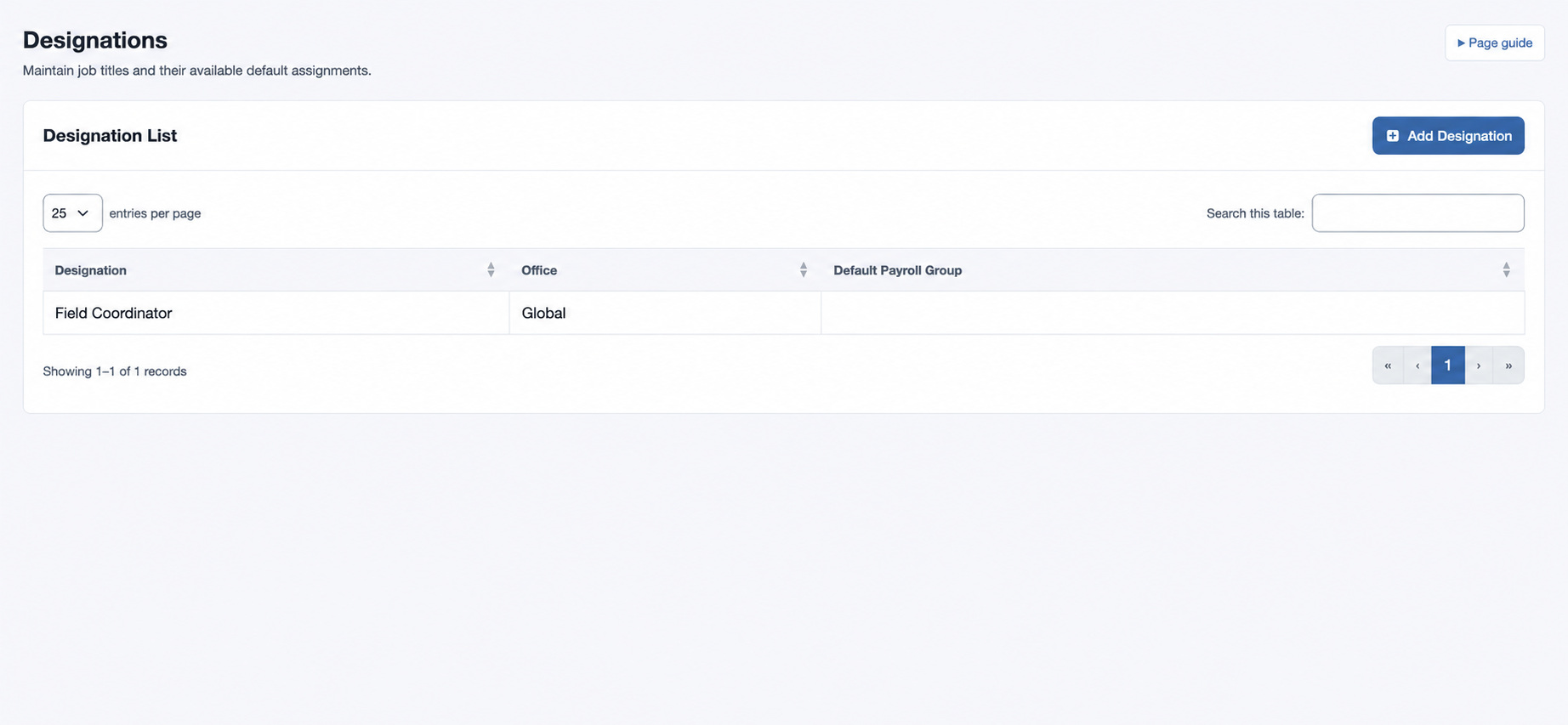
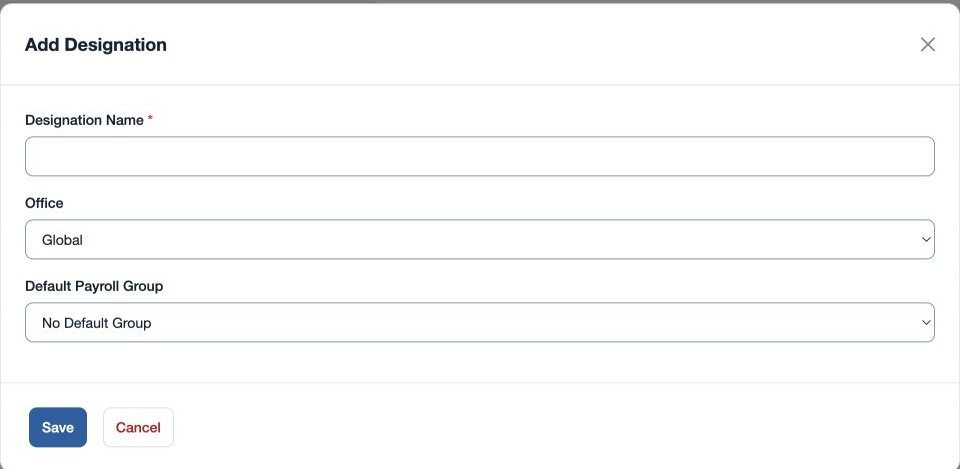
Open HR & attendance → People → Designations with employee-management permission. Select the plus control, enter required Designation Name, and choose Office or Global. If payroll is available, optionally choose a Default Payroll Group or No Default Group. Save and verify the Designation List, then assign the title in Employee HR Setup.
For example, create the global title “Field Coordinator”. Use an office-specific title when the role differs by branch. If the title is unavailable when assigning an employee, check its office and the employee’s scope.
Designation Name must be 2–80 characters. If “Designation already exists” appears, review the existing title in the same office or global scope. Payroll Group must be valid when selected.