Checkout and payment confirmation
Follow secure checkout and verify whether payment, funds and service have been applied.
Before confirming payment
Start from Plans or a reviewed Wallet purchase. Check the company, plan or add-on, currency, license quantity, total, recurring term, wallet contribution and gateway shortfall. Enter payment details only on the secure checkout presented for the request.
Complete the flow
- Review the chosen plan or wallet quote. Return to the previous screen to correct an amount or quantity.
- Confirm the reviewed purchase and continue to the payment provider when required.
- Complete the payment-provider steps and return to TeamSpoor.
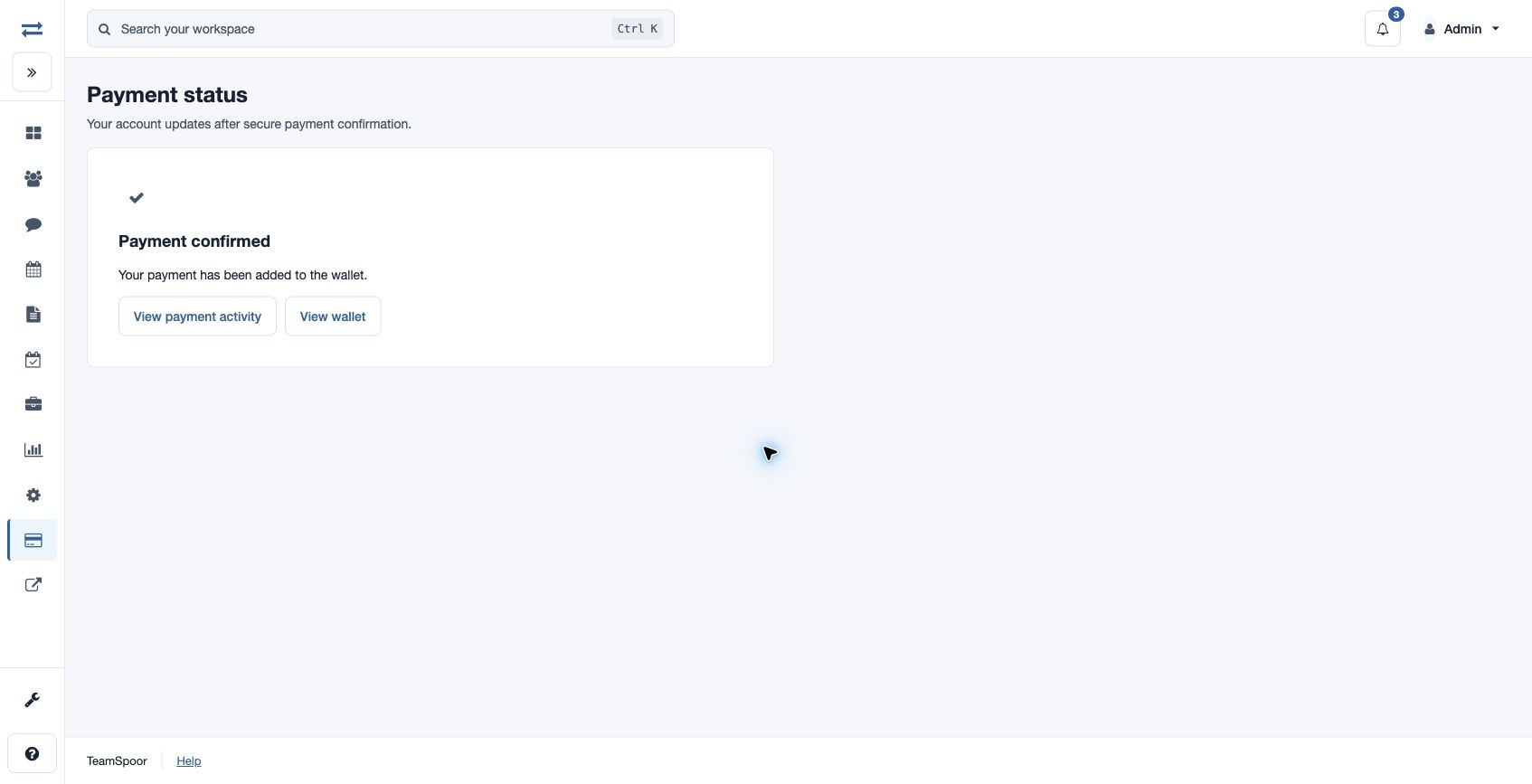
- Read the Payment status message. The page can refresh automatically while checkout is being prepared or payment is being verified.
- Use View payment activity to verify the account outcome. Wallet-related payments also offer View wallet. Compare the purpose, amount and reference with the request you intended to complete, especially if more than one administrator has recently used billing.
Payment-status reference
| Message | Meaning and action |
|---|---|
| Preparing secure checkout | The request is accepted and the provider is preparing checkout. Wait for the automatic continuation. If automatic checks stop, use Retry checkout or contact billing support. |
| Confirming payment / Payment verification pending | The payment is not yet verified for account access. Check activity before retrying payment. |
| Payment confirmed | The verified result has updated the plan, credited the wallet or applied the wallet-funded purchase, as described in the message. |
| Payment received — purchase needs review | Funds are recorded in the wallet, but the purchase needs review. Open wallet activity and inspect the reason. |
| Payment request closed | The request is closed. Review the billing activity and error message before starting a new attempt. |
| Checkout unavailable | Checkout could not be opened. Use Back to plans or View payment activity and resolve the displayed reason. |
Confirm the expected result
- Subscription: verify plan, licenses and paid-through date.
- Top-up: verify wallet balance and the posted credit.
- Add-on: verify applied operation status and new capacity.
- Prepaid renewal: verify the new service period and renewal schedule.
Example
A payment provider may finish its steps before TeamSpoor receives verification. If the screen still says Payment verification pending, check activity and wait for the confirmed result rather than paying the same request twice.
If you need help
Open billing support with the displayed billing reference, date, amount, currency and status. Do not include card security codes, passwords or one-time authentication codes. Keep the receipt for reconciliation.