Payroll controls and audit reports
Trace versions, checks, anomalies and sensitive access.
Find a control or audit report
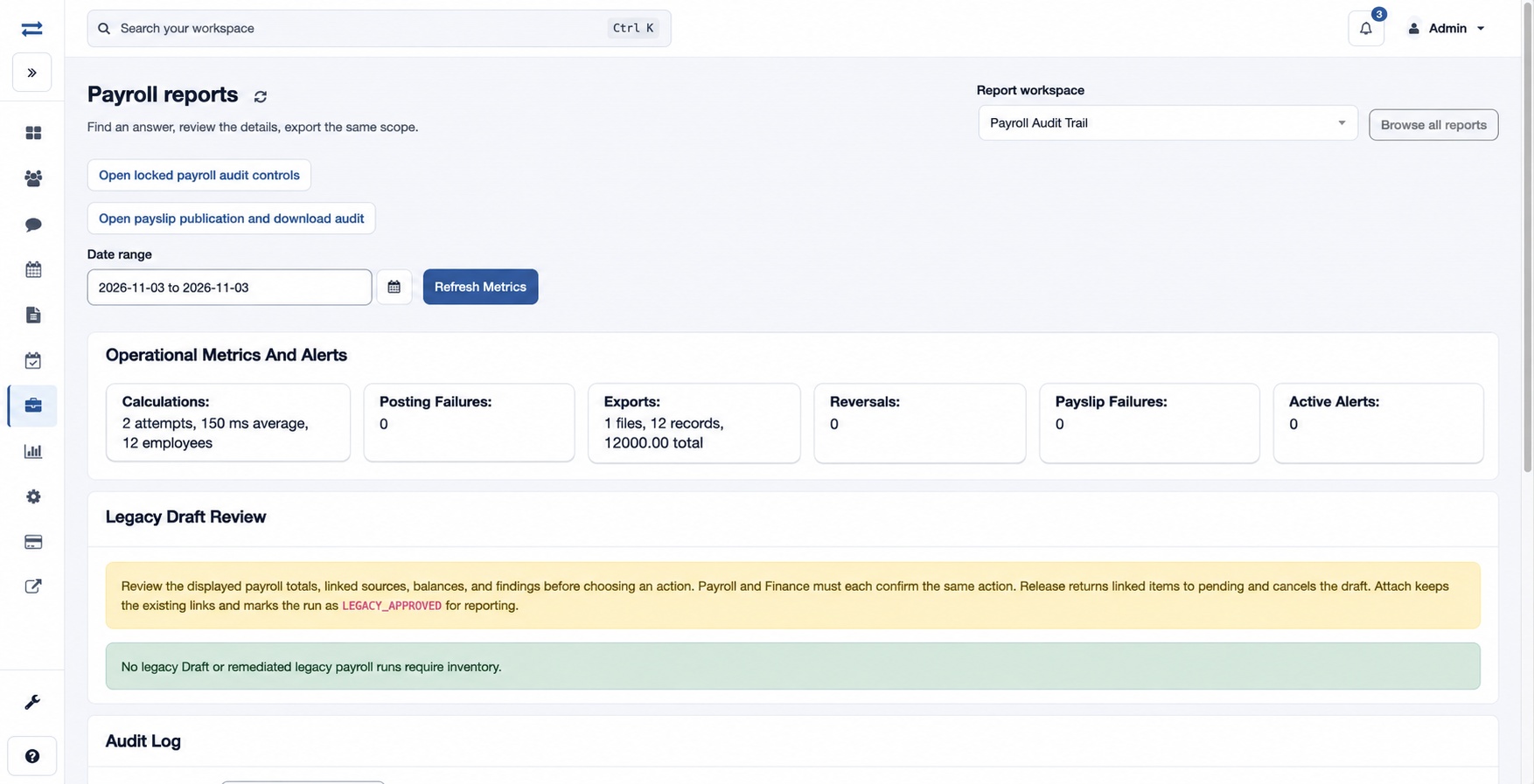
Under Payroll → Reports → Controls & audit, Payroll Anomalies highlights exceptions for investigation and Payroll Audit Trail traces actions, versions and recorded evidence. The control reports include Gross To Net Breakup, Payroll Version Comparison, Locked Payroll Audit, Payroll Anomalies, Unauthorized Change And Sensitive Access Audit, and Payslip Publication And Download Audit.
Review evidence
The standalone Payroll Anomalies page uses the active financial year and displays Anomaly, Employee and Details. Payroll Audit Trail has date filters and Refresh Metrics. The control reports have their own report, date, run status, view, office and More filters controls; run the selected control report and investigate its underlying records. Use its export controls where offered. For example, compare two versions after a correction and review the history and checks for the changed run. If a record is missing, confirm the date range, version, report scope and audit permissions.