Input and recovery reports
Review payroll readiness, claims, recoveries and settlements.
Review employee inputs
Open Payroll → Reports. Employee Setup reviews payroll assignments and salary setup for the chosen Financial Year Start. The Attendance & inputs category also offers Pre-payroll Validation, LOP Deduction, Overtime Eligibility And Payout, Bonus Arrears And Variable Pay, Tax Declaration Impact and Claims And Reimbursements.
Review recoveries and settlements
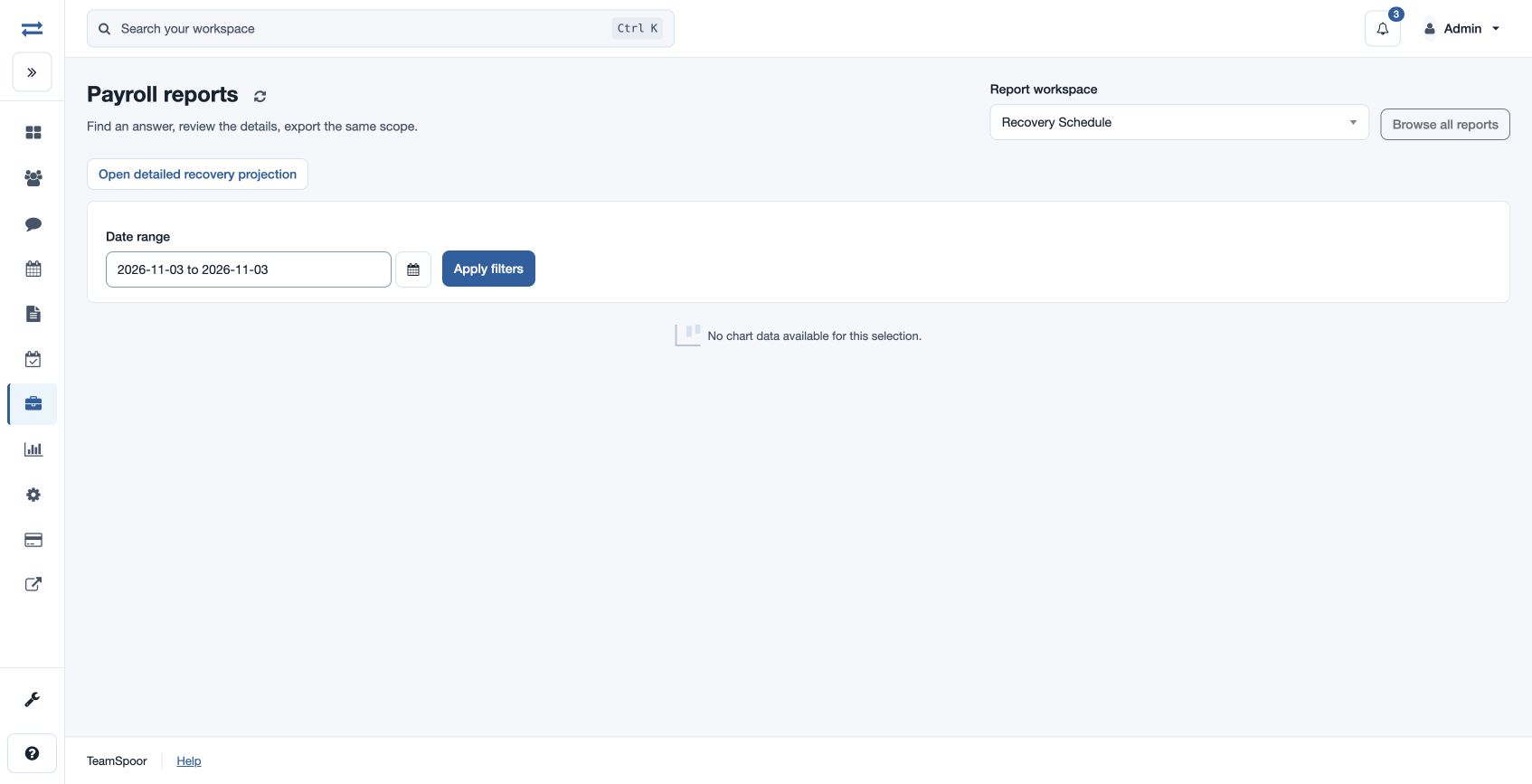
Under Loans & recoveries, Recovery Schedule uses From Date and To Date to review scheduled recoveries; Final Settlement reviews settlement components, amounts and status. The control reports include Salary Advances, Employee Loans, Recovery Schedule And Projection and Final Settlement. The advance and loan views can use All request dates instead of the date range. Choose the appropriate report and inspect its records. Recovery Schedule has From Date and To Date; the standalone Final Settlement report does not have date or office filters. The control reports provide their own filters and exports.
For example, review a month’s scheduled loan recovery against the approved loan and any separately recorded repayment before calculating payroll. If a filtered control report is empty, review its selected period and scope; check the underlying approved record as well.