Payroll setup and schedules
Set up payroll groups and cycles and follow the foundation guide.
Open setup
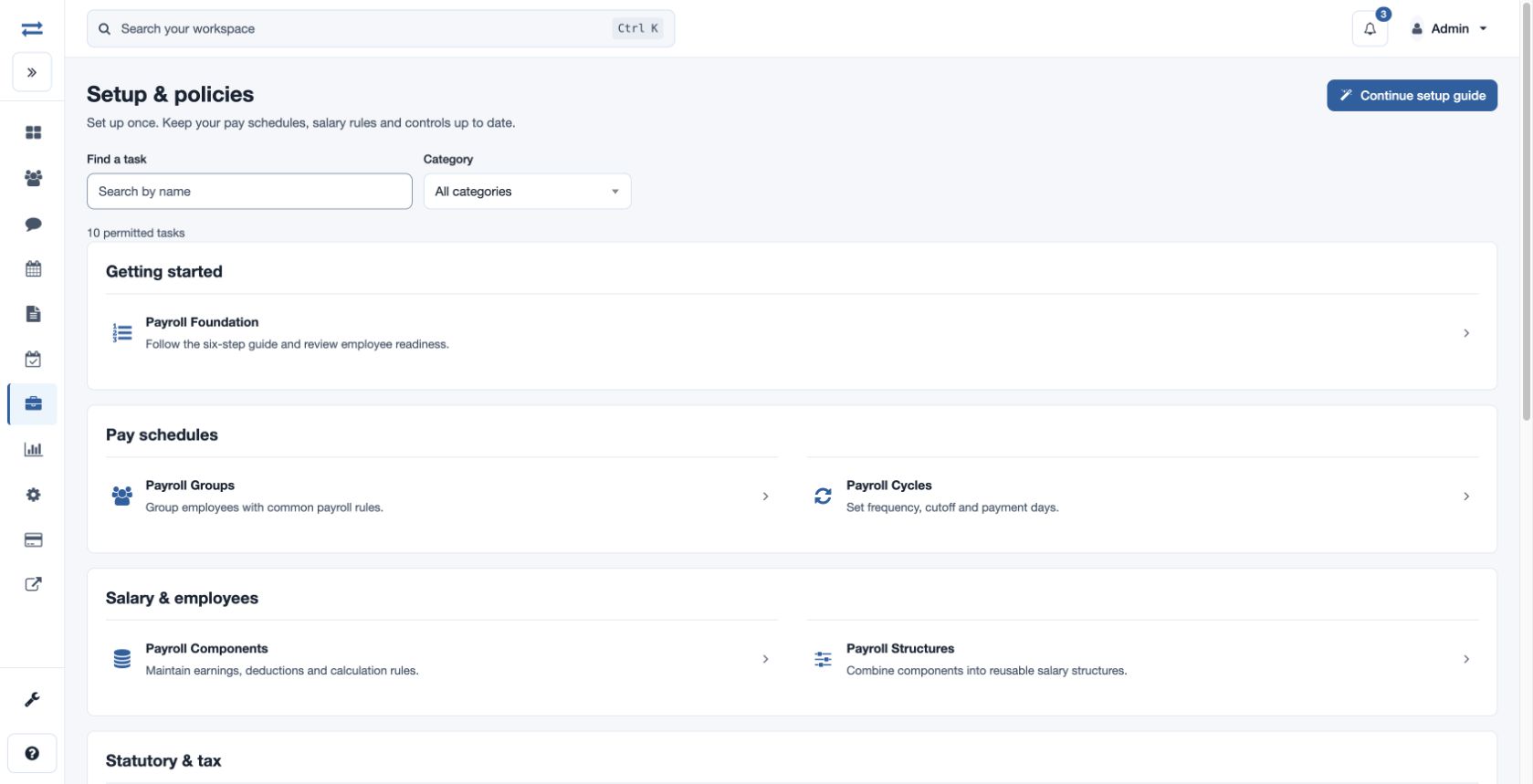
Open Payroll → Setup & policies. Payroll Foundation provides a six-step setup guide and employee readiness review. A starting template can create a group, cycle, components, structure and statutory setting; review the proposed starting point before applying it.
Create groups and cycles
In Payroll Groups, add a Group Name and choose Global or an Office. In Payroll Cycles, enter Cycle Name, Global or Office, Frequency (Monthly or Weekly), Cutoff Day and Pay Day. Days accept 1–31. A payroll-settings manager can maintain these records. For example, create a monthly office cycle with cutoff day 25 and pay day 30, then assign the appropriate employee payroll setup before preparing a run.
Continue with components, structures, statutory rules, bank accounts and any advance or loan policies. If a record or action is unavailable, check your office scope, payroll plan and permission.