Visit types
Maintain the categories used to classify visits.
Open Settings → Visit types; an administrator account and the visit-type management permission are required.
How to use this page
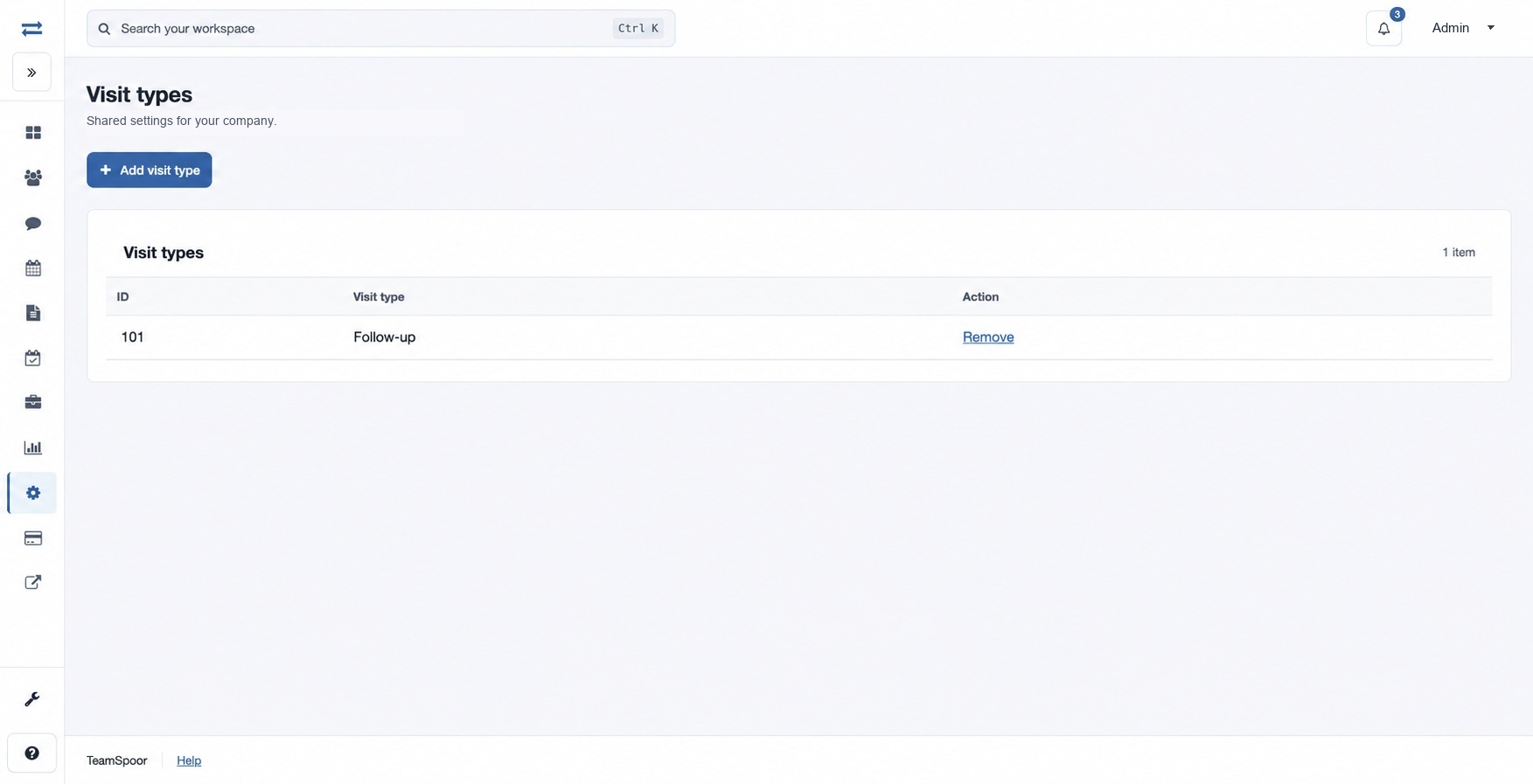
- Choose Add visit type, enter a Name such as “Follow-up”, and select Add visit type.
- Confirm the item appears in the list. To remove one, expand Remove, type DELETE, then select Remove item.
If the page or control is unavailable, ask an administrator to check your permissions. Check the list before repeating a submission after an interruption.
Name is the visit category label and can be up to 45 characters. The table displays an ID and the category. If removal is not intended, close the confirmation instead of entering DELETE.