Finance and statutory reports
Review payment, contribution and reconciliation information.
Choose a finance report
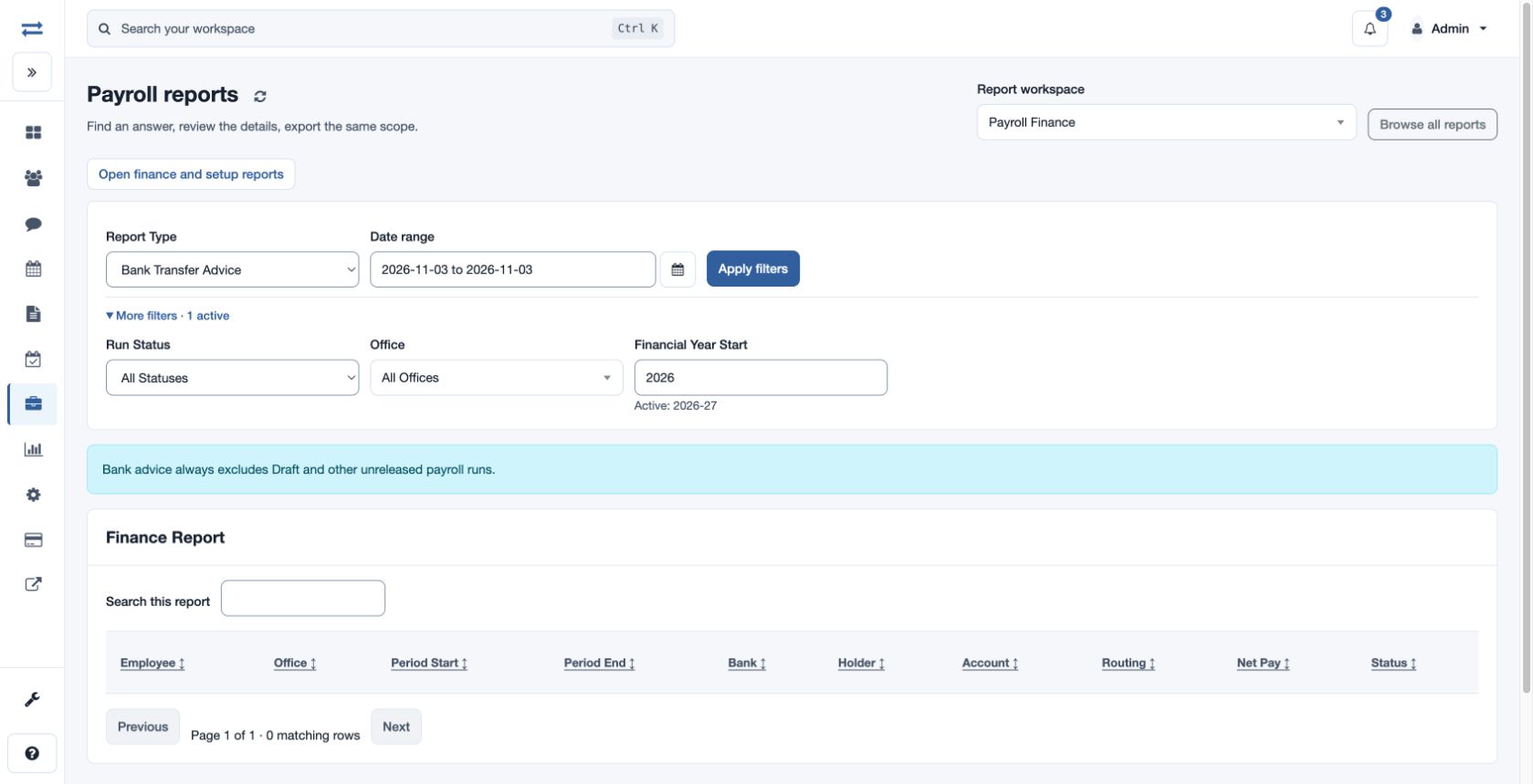
Open Payroll → Reports → Payments & statutory. Payroll Finance offers Report Type: Bank Transfer Advice, Gross To Net Breakup, Draft Vs Finalized, Compliance Summary, Declaration Impact or Settlement Checklist. Select Run Status, Office, Financial Year Start and From/To dates, then Apply filters.
Review contributions and reconciliation
Statutory Contributions offers Employee Month Wise, Consolidated Month Wise, Office Month Wise and Configured Heads, with office and date filters. The control report catalog also provides Bank Transfer Advice And Export Control, Statutory Liability, Bank And Statutory Completeness and Payment Reconciliation. Choose the view, period and scope, review the results and export if permitted.
For example, compare payment reconciliation for one month with the actual bank submission. A bank export is an instruction file and does not itself transfer funds.