Inventory workspace
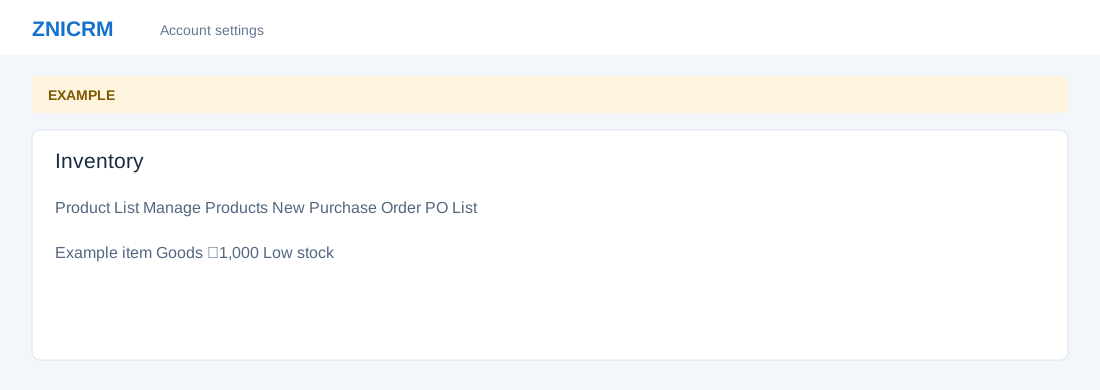
Open the page
Switch app → Inventory. Administrator permissions may be required.
Navigate inventory
- Product List shows items, selling prices and stock. Manage Products opens categories and items; New Purchase Order opens order creation; PO List shows purchasing and delivery work. Product Sales opens the sales report.
- Example: identify low stock for a item, order replenishment from a vendor, and receive the delivered quantity. Saving or confirming changes purchasing and stock records.
Inventory topics
- Product list
- Categories
- Category items
- Item details
- Audit trail
- Purchase orders
- Create or review an order
- Receive stock