Telephony workspace
Availability depends on your account configuration and permissions.
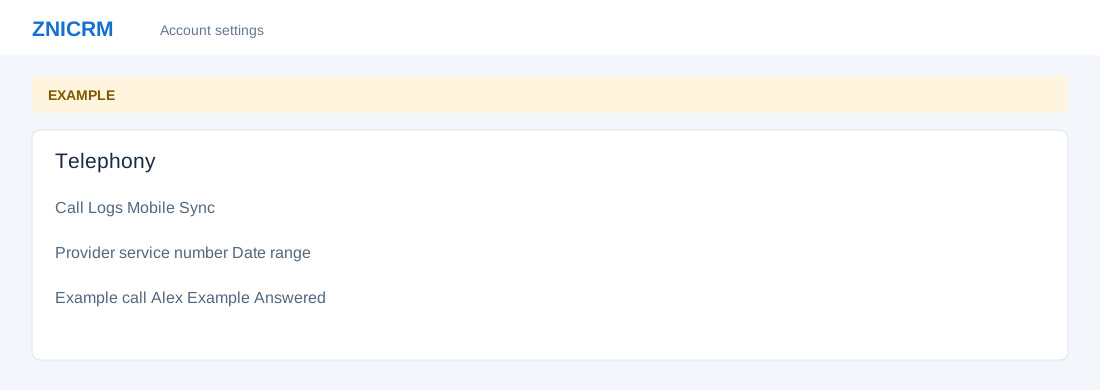
Open the page
Switch app > Telephony. Administrator permissions may be required.
Choose a call history
- Call Logs shows provider or custom-telephony activity for a service number. Mobile Sync shows calls synchronized from staff mobiles. These are separate reports and may contain different records.
- Available service numbers, recordings and staff filters depend on the account, provider and permissions. There are also IVR, audio and provider settings pages; they may not be exposed in every account.
Investigate a call
- Choose the correct log, period and service number or staff member. Review the record and linked CRM contact, then follow up using the appropriate CRM workflow.
Telephony topics
- Older provider call logs
- Provider call logs
- Mobile call-sync logs
- IVR menus
- Build an IVR flow
- IVR audio files
- IVR service settings
- Custom telephony settings
See also incoming call popup and due task notification.