CRM checklists
Create a checklist to guide completion of CRM work.
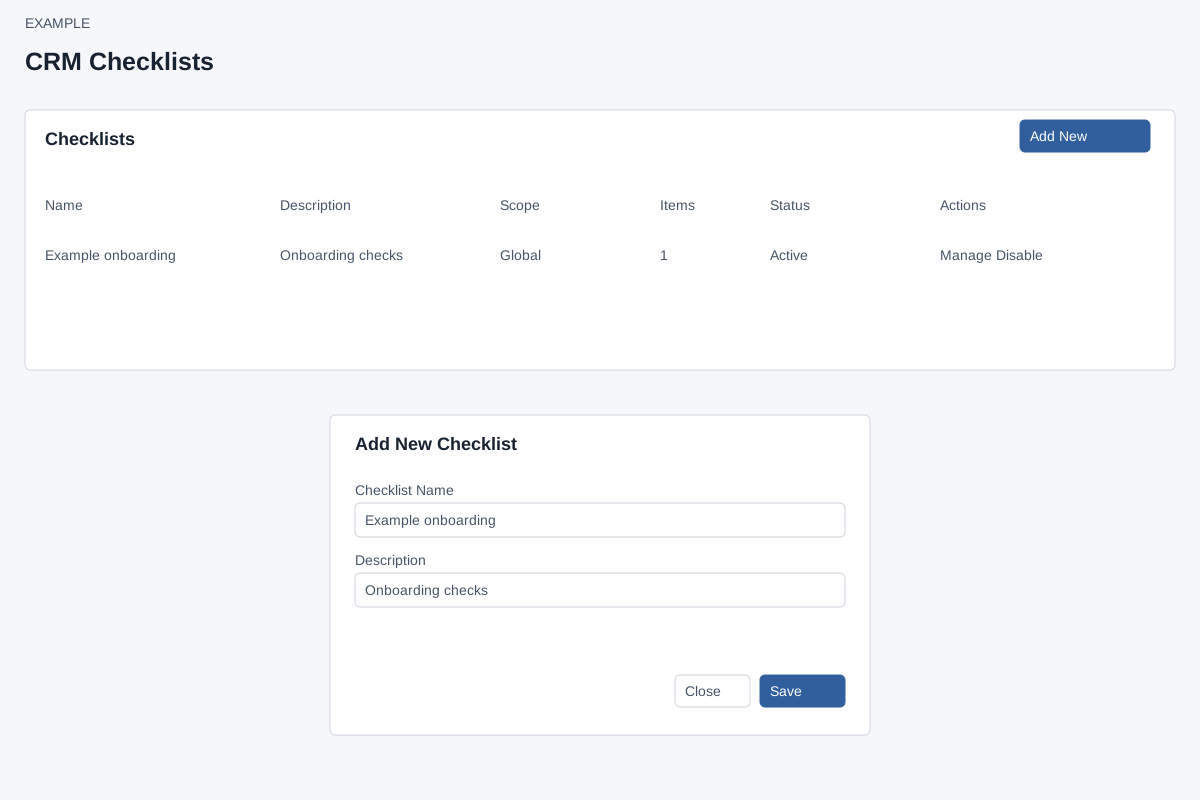
- Open Account Settings → Features Settings → Checklists and select Add New.
- Enter the checklist name and describe when to use it and what completion means.
- Select Save, then open the checklist to configure its items and scope.
The list displays name, description, scope, item count and status. The page says global checklists support legacy CRM setups; department and customer-type scopes are optional, and lead status is available as an item source.
Detailed checklist configuration