Product Categories
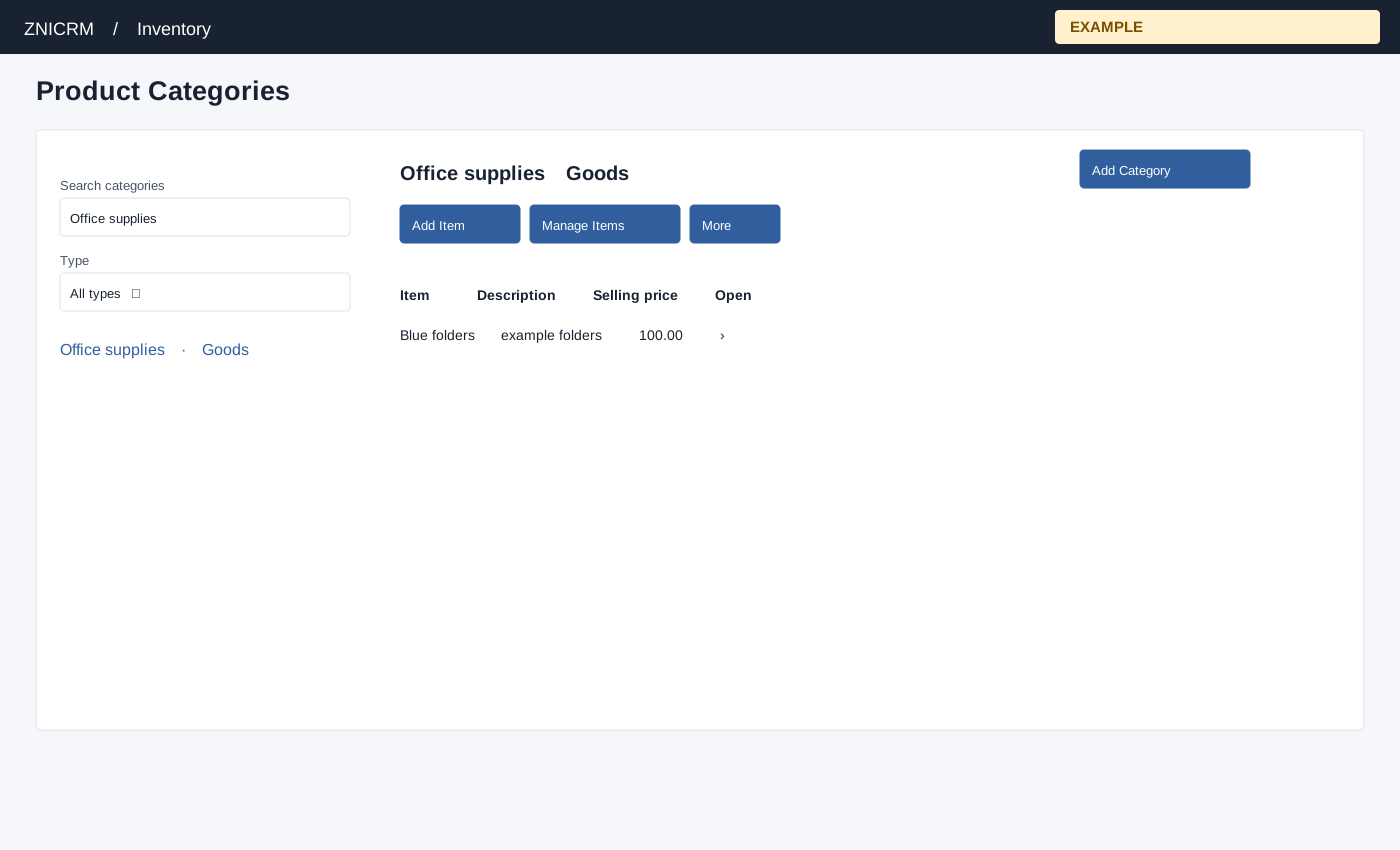
Use this page
Open Inventory → Product Categories. The page requires administrator status or Inventory access with manage-products permission. Search categories and Type (All types or a category type) filter the loaded list; select a category to see its description and Item, Description, Selling price and Open. The page loads up to 500 active categories and 500 items for the selected category.
- Choose Add Category. Enter Category Name (required, page maximum 60 characters), Description (required), and Category Type: Service, Goods, Real-Estate Property, Travel or Rental.
- Select Add Category. On success the category page opens with the new category selected. Choose Add Item to open the item dialog or Manage Items for the category list. Close dismisses the dialog.
- More → Delete category asks for confirmation. Confirming marks the category inactive, so it no longer appears in the active list. Existing records are retained. Refresh and check the list after success.
For a Goods category “Office supplies,” add a description and then add its first item. If the category is missing, clear search and Type, check the 500-category limit and management permission.