Tags
Organize contacts with shared tags.
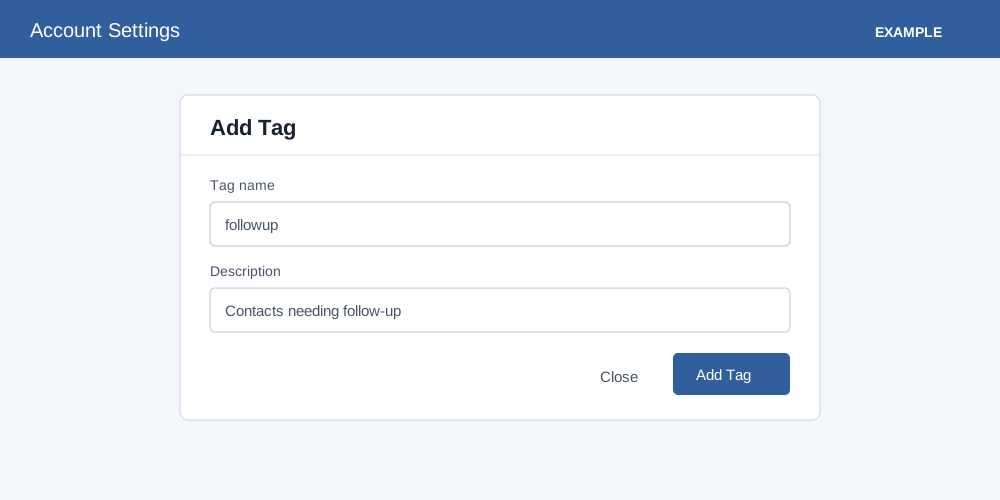
Create and delete global tags
- Open Account Settings → CRM Functions → Tags and select Add Tag.
- Enter a tag name and description; both are required. The name is normalized to lowercase and must be fewer than 20 characters after sanitization; duplicate names are rejected. For example, use a consistent label for contacts needing a particular kind of follow-up.
- Select Add Tag, or Close to discard the form.
The tag list shows names, descriptions and a delete control. Only administrators can add or delete global tags. Delete asks for confirmation and refuses tags referenced by contacts, active saved filters or active automation rules; remove intended references first, then retry. A successful delete removes the global tag record. The list has no edit control. Notes opens the personal notes sidebar. Apply tags from the contact workspace; check contact access and existing tag usage before changing shared definitions.