Purchase Orders
Use this page
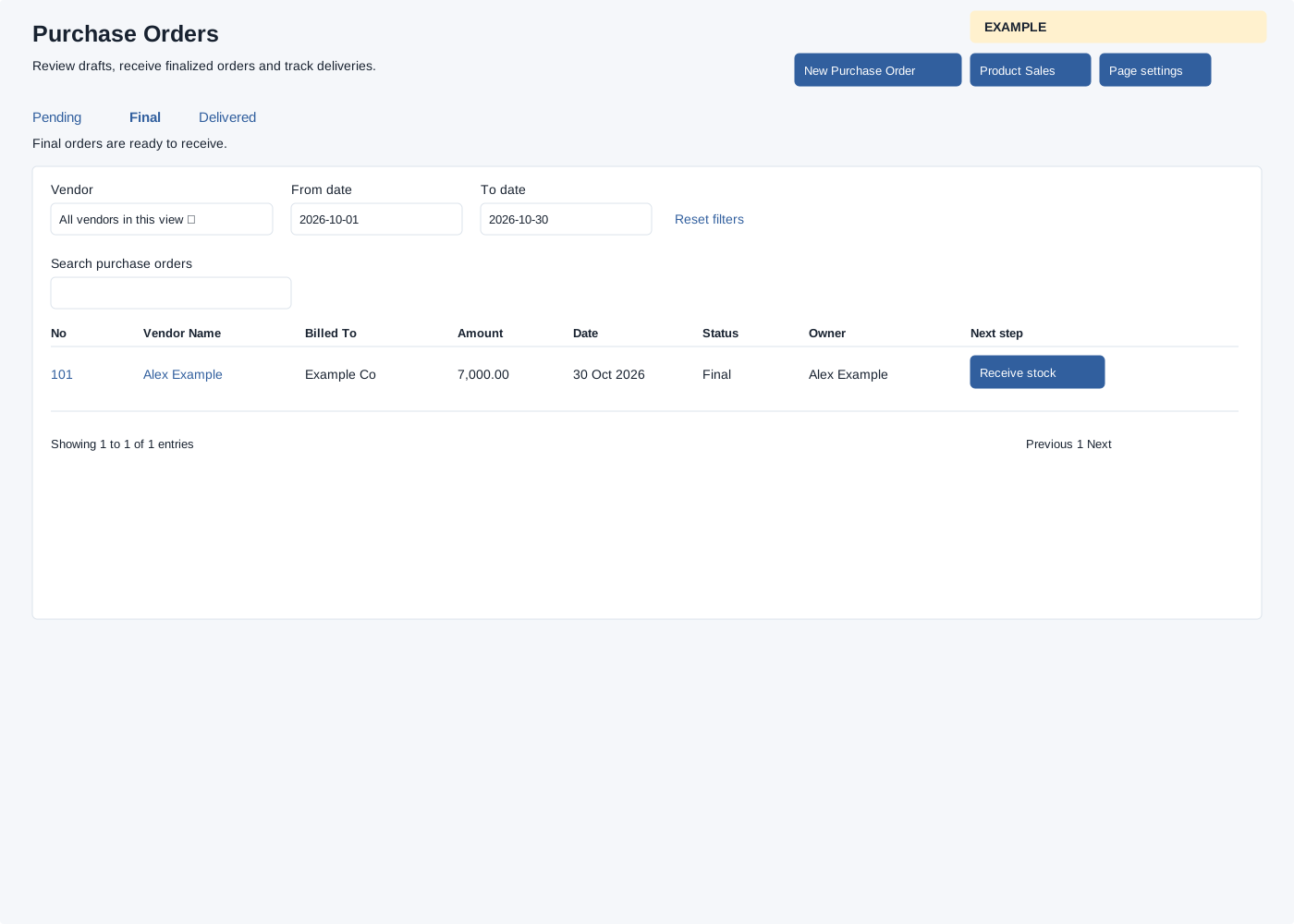
Open Inventory → PO List. Inventory access and administrator or manage-products permission are required. Pending, Final and Delivered tabs load the chosen status; Pending is the default. The list returns at most 100 orders; the unfiltered list is company-wide for administrators and owner-scoped for other users. Vendor, From date and To date filter the loaded rows; Reset filters clears them and table search/sorting/pagination work on that set.
Columns are No, Vendor Name, Billed To, Amount, Date, Status, Owner and Next step. Select the order number to view it or vendor name to open the CRM contact. Next step is Edit draft for Pending, Receive stock for Final, and View order for Delivered. Page settings opens the shared display settings. New Purchase Order starts an order; Product Sales appears when its report scope allows access.
For an Example Co delivery, choose Final and Receive stock. If an order is missing, check status, vendor, owner scope and the 100-order limit.