Chatbots
Create a bot, configure its behavior and manage its knowledge and reviews.
- Open Account Settings → Chat Settings → Chat Bots and select Create bot.
- Enter a bot name and description, then select Create bot.
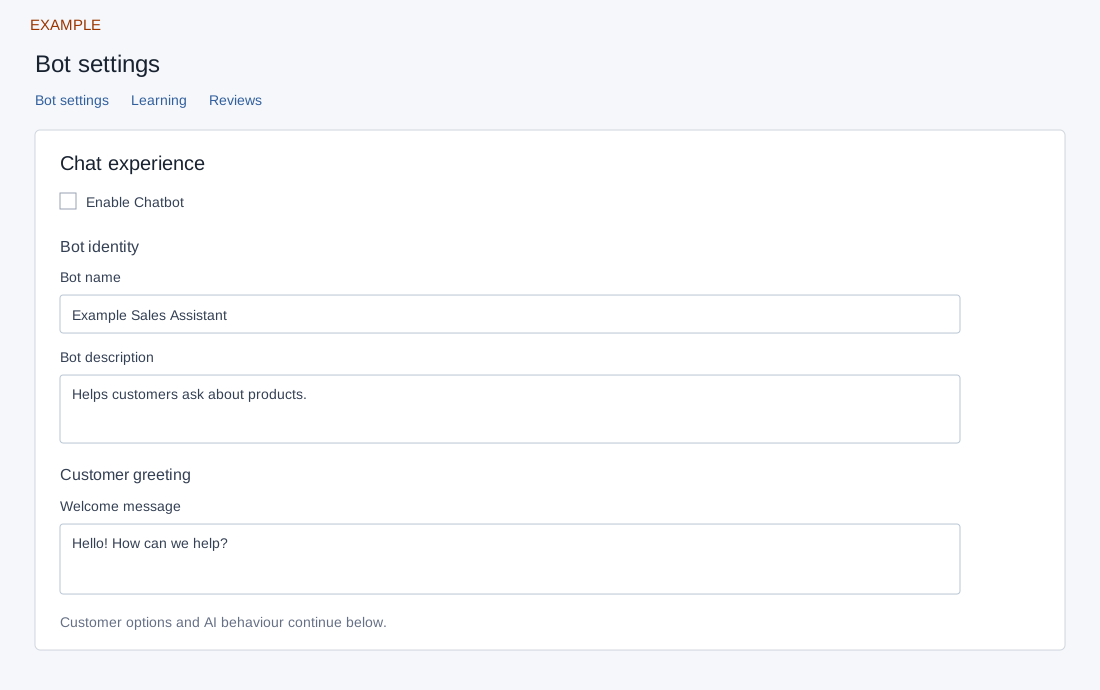
- Open Edit to configure identity, customer options and AI behavior. Open Learning to add knowledge and Reviews to review low-confidence answers.
- Test common questions and keep sources current. Configure Engage for website chat or connect WhatsApp separately for that channel.
The list can be searched, sorted and paged; it shows Name, Description, Status and Reviews, Learning and Edit actions. Administrator access is required for mutations. Create bot requires Bot Name (up to 45 characters) and Bot Description (up to 200); Cancel or × closes the form. Success normally opens that bot’s editor. Inspect errors and the list before retrying. See Bot settings and routing for individual controls and known display limitations.