Workflows
Run configured actions when a business event occurs.
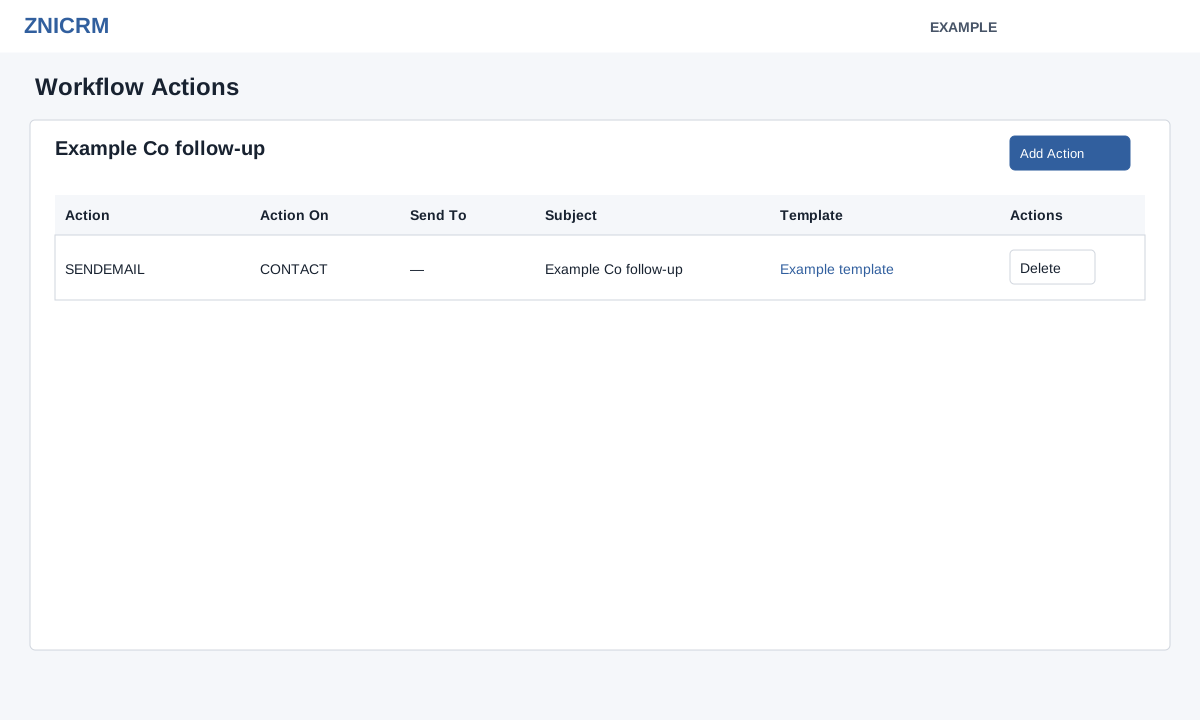
Create a workflow
- Open Account Settings → Features Settings → Workflow and choose Add Workflow.
- Enter the required name and description. Choose a Condition; the available events include web leads, CRM contacts and calls, chats, deals, subscriptions, helpdesk, payments and telephony.
- Set any related filters shown for that event. For example, New Lead Received offers a department selector; leaving it blank applies to all departments.
- Select Create Workflow. The dialog says actions are added on the next screen. The system creates it Active. Return to the list and disable it before adding actions; verify Inactive, then open the workflow to manage its actions.
- Review the trigger and actions before using its status control to enable it. Test with an appropriate controlled example and monitor the result.
The configured-workflows table shows name, description, condition, service, department and status. Search, sort or page through it; the status button enables or disables a rule. See all trigger choices and action fields and execution limitations.