Helpdesk general settings
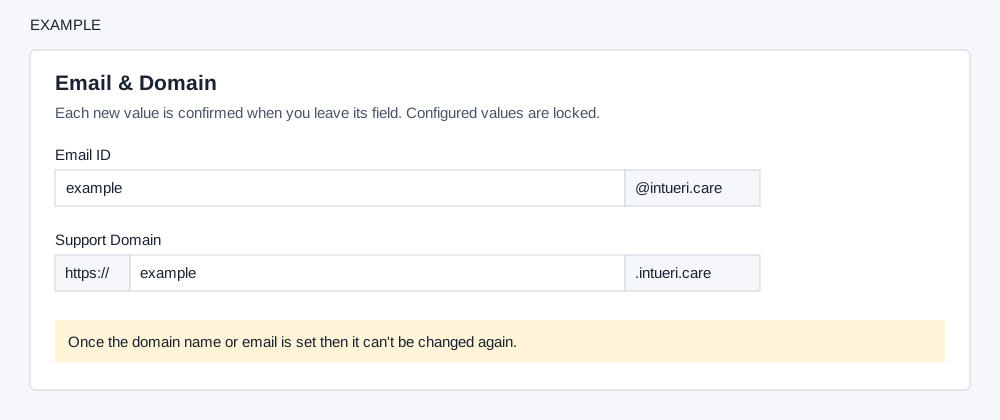
Choose the permanent public support identity used for ticket replies and the customer portal.
Set each identity
Open Account Settings → Helpdesk → General Settings as an administrator. Plan each identifier carefully: configured values are locked and the page warns they cannot be changed.
- In Email ID, enter only the prefix: the page appends
@intueri.care. For example,examplecompanyproduces[email protected]. - In Support Domain, enter only the prefix between
https://and.intueri.care; for example,examplecompany. - When you leave each field, confirm its separate prompt to save it. Decline to leave that value unsaved. The input removes characters other than lowercase letters, and confirmation requires 10–45 characters.
Verify and troubleshoot
After successful confirmation the field becomes disabled. Reopen General Settings to check both saved values before sharing the portal with customers. If confirmation does not appear, check the length and use lowercase letters only. If the name is unavailable or mail-server setup fails, the page reports an error; choose an available identifier or contact support before retrying. Email setup also provisions the mailbox. CSAT email uses its own sender; the support domain is used for survey links.