SMS workspace
Availability depends on your account configuration and permissions.
Open the page
Switch app → SMS. SMS access is required; group and bulk permissions apply to their respective screens.
Choose the workflow
The legacy SMS index itself displays a hard-coded Telephony Dashboard with sample metrics and calls; it is not a trustworthy SMS balance or live activity report. Use the SMS navigation to open the workflows below.
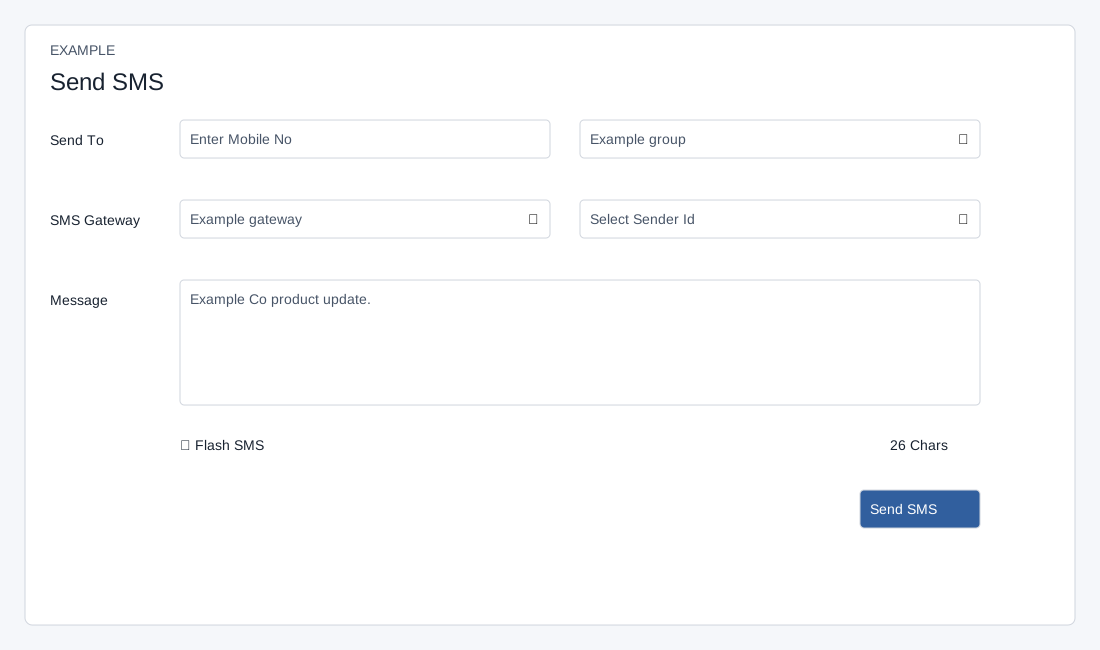
- Send SMS composes a message for a number or a group. Manage Groups creates and maintains recipient groups. SMS Logs shows individual message records, and Campaign Reports summarizes sends to groups.
- Before sending, arrange an appropriate SMS gateway and sender ID and review your audience and applicable provider requirements. Gateway and sender setup is described in the linked settings guides.
Example workflow
- For a product update, create a group, add permitted recipients, and check its members. Select the group and gateway in Send SMS, write the message, review the confirmation, and then inspect campaign results and SMS logs. The figures and contact details shown here are invented.