Lead routing
Direct inbound leads using routing rules when the account supports advanced routing.
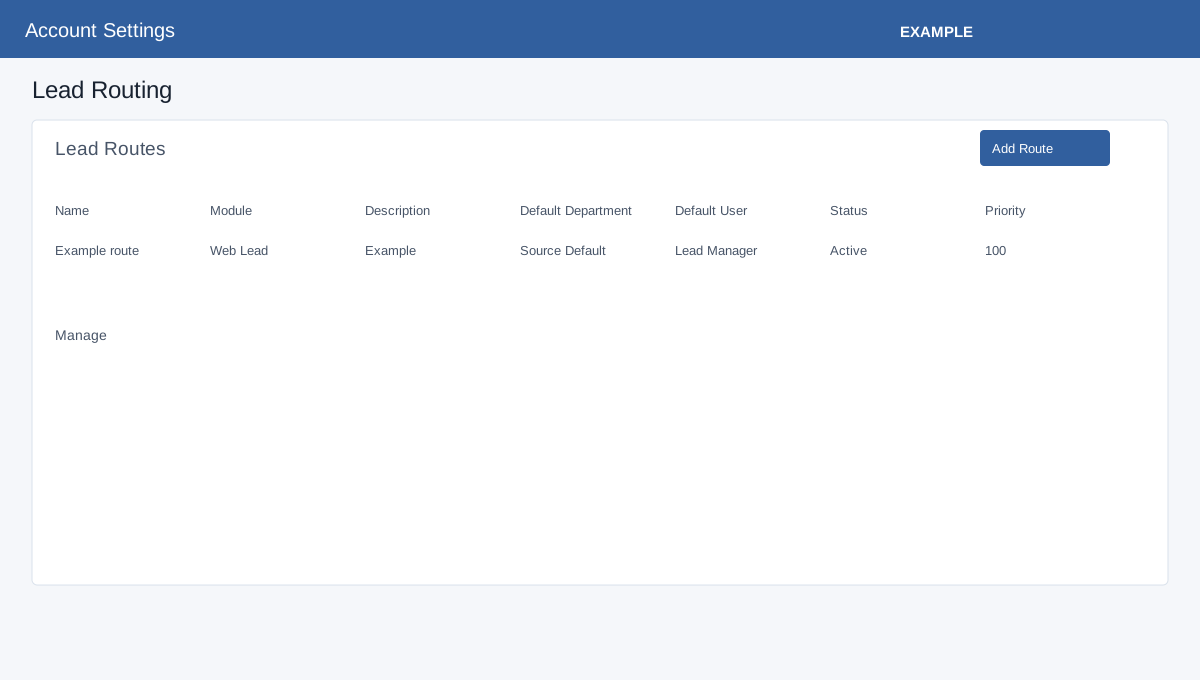
Create a route
- Open Account Settings → Features Settings → Lead Routing and select Add Route.
- Enter a name and description. Select the inbound module, or All Modules.
- Choose a default department and user. Source Default retains the inbound source default; Lead Manager uses the department’s assignment configuration.
- Set priority: lower numbers are evaluated first. Select Active or Inactive. Inactive routes are excluded from automatic routing.
- Select Save. The Manage page contains mappings, rules and a route preview that does not save assignments. Review a synthetic preview before using the route.
The list shows module, defaults, rule and field counts, status and priority.
See the lead-routing rules for rules, field mappings, Facebook examples and troubleshooting.