Invoicing workspace
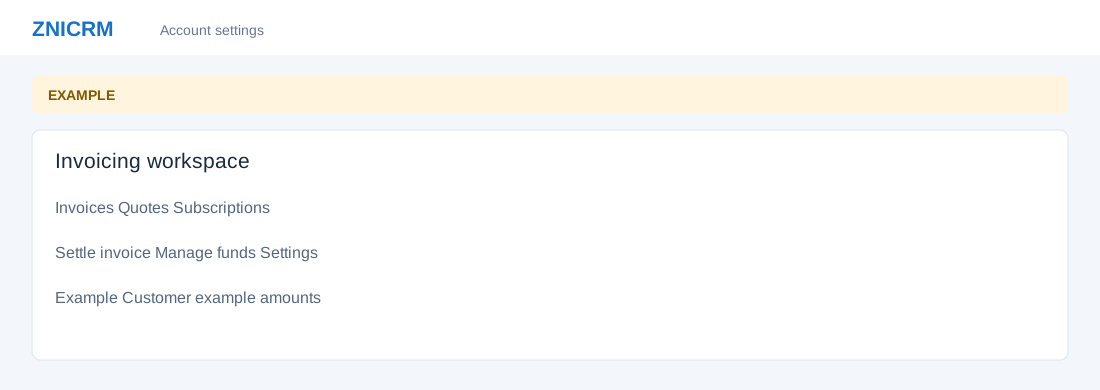
Open the page
Switch app → Invoicing. Links depend on your invoice, subscription and receipts access; Settings requires an Administrator role.
Navigate the workspace
- Use Quotes to prepare quotations and Invoices to review invoices and outstanding amounts. Subscriptions lists recurring agreements. Settle invoice applies available customer ledger funds; Manage funds records a credit or debit. Settings opens invoice configuration where authorized.
- Each view depends on permissions. These are customer commercial records, distinct from the organization’s ZNICRM plan and wallet billing.
Follow a commercial workflow
- For an Example Customer, prepare a quote, review it, then create an invoice when appropriate. Record actual customer funds in the ledger before settling the invoice. Confirm customer, amount and accounting details before any save.
Invoicing topics
- Quotes
- Invoices
- Subscriptions
- Create subscription
- Manage funds
- Settle invoice
- Ledger transactions
- Quote and invoice editor