WhatsApp campaigns and reporting
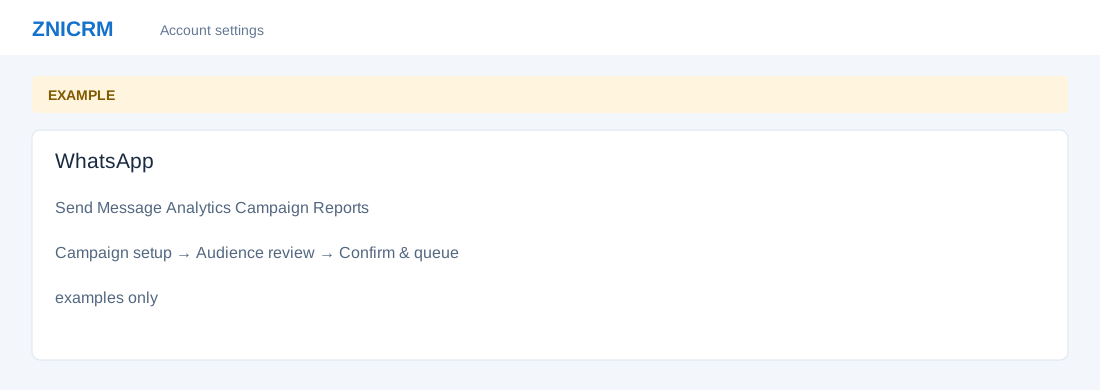
Open the page
Switch app → WhatsApp. Administrator permissions may be required.
Navigate the workflow
- Send Message opens the CRM-filter campaign builder; Upload Excel / CSV opens the uploaded-audience workflow. Campaign Reports and Analytics show outcomes and operational status.
- A connected eligible sending number, approved marketing template, mapping and appropriate permissions are needed.