Product item details
Open the page
Inventory → Product List → open an item. Administrator permissions may be required.
Review and maintain details
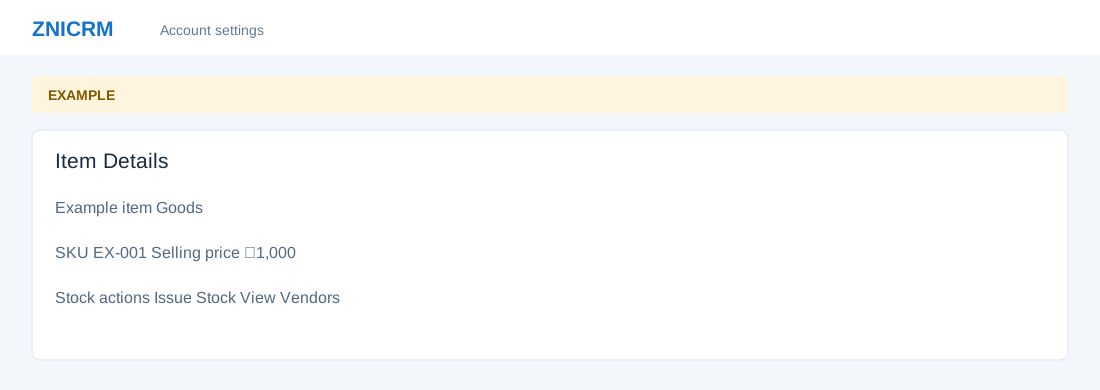
- Identity includes Item SKU, Item Name and Item Description. Pricing shows selling price and, where permitted, purchase price and tax code. Availability includes status, search visibility and, for goods, stock threshold and priority. Editable fields change the item when saved.
- Review Stock actions, Product Images, stock history and Vendors where available. Add Images opens the upload workflow. Delete Item changes the catalog.
Issue stock
- For eligible goods and permissions, choose Issue Stock. Enter Item Quantity and Price, select Debit Reason: Return, Expired, Spoiled/Damaged, Wastage, Company Recall or Other, and complete the remaining dialog before confirming. This changes stock.
- Use the stock audit trail to investigate a credit or debit.