Product categories
Open the page
Inventory → Manage Products or Product List → Categories. Administrator permissions may be required.
Find and create categories
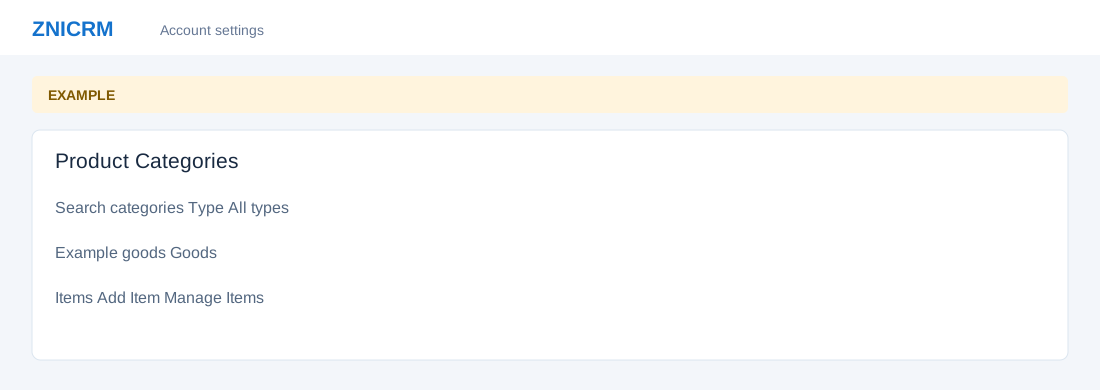
- Search categories and filter by Type. Select a category to review its description, type and item table; Search items, sorting and page size narrow the selected category.
- Choose Add Category, enter Category Name and Description, select Service, Goods, Real-Estate Property, Travel or Rental, then choose Add Category.
- For a selected category, use Add Item or Manage Items. More → Delete category changes the catalog; review dependencies first.