SMS gateways
Manage the provider requests used to send SMS from the CRM.
Open the list
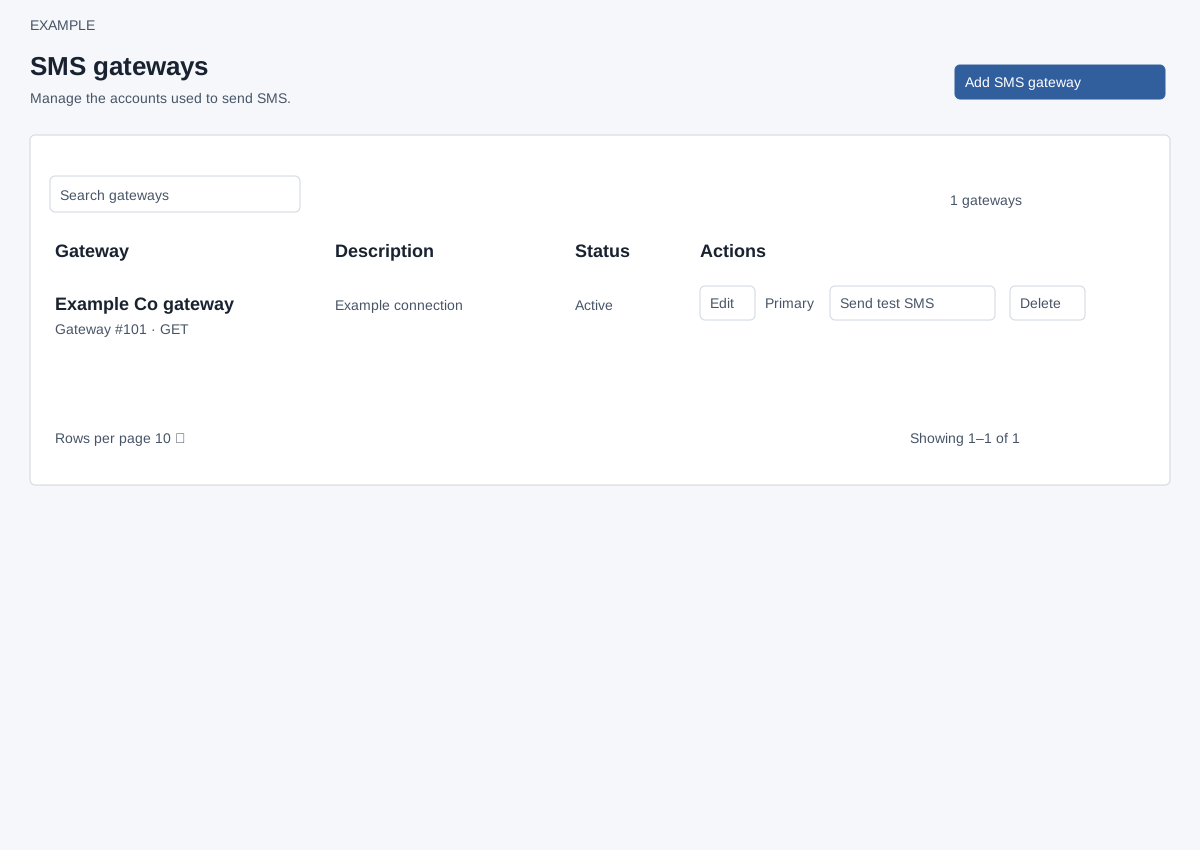
In Admin settings open SMS gateways; ADMIN role is required. Search gateways filters the table, which initially shows 10 rows per page and offers rows-per-page and paging controls. Rows show name, gateway number, method, description, Active or Pending status and actions. Notes opens the notes sidebar; Add SMS gateway opens the setup form.
Manage a gateway
Edit updates the existing record while retaining its primary status and references. Send test SMS opens a dialog using saved settings: supply the mobile number, sender ID and message. Reopening the shared test dialog clears the recipient, but can retain the previously entered sender and message; check all three fields for the selected gateway before sending. Set primary and Delete require confirmation. The primary gateway cannot be deleted; first set another as primary. A new gateway becomes primary if none exists. Existing messages may still reference a deleted gateway. A successful operation reloads the list. If a request fails, refresh and inspect the list before retrying; an unavailable edit record should be reopened from the current list.
Add or edit an SMS gateway · Gateway tests and recovery · Email gateways