Receive purchase order stock
Open the page
Inventory → PO List → finalized order → receive stock. Administrator permissions may be required.
Review delivery and confirm
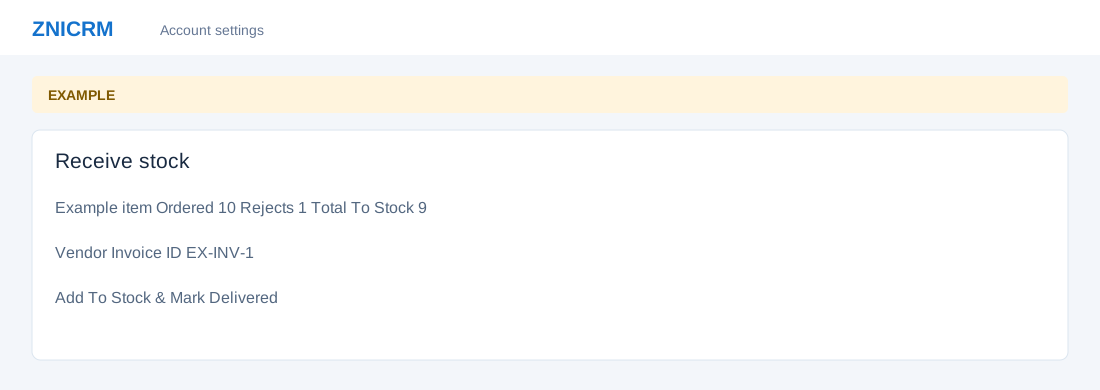
- Review Product, Purchase Price and Quantity Ordered. Enter Batch Code, Expiry and Rejects; review Total To Stock for each line.
- Enter Vendor’s Invoice ID, Remarks and Payable amount. Check Receipt summary and quantities before selecting Add To Stock & Mark Delivered, available when the order is Final.
- For example, if ten units arrive and one is rejected, check the calculated quantity before confirming. Confirmation changes stock and delivery state.