Email campaigns
Availability depends on your account configuration and permissions.
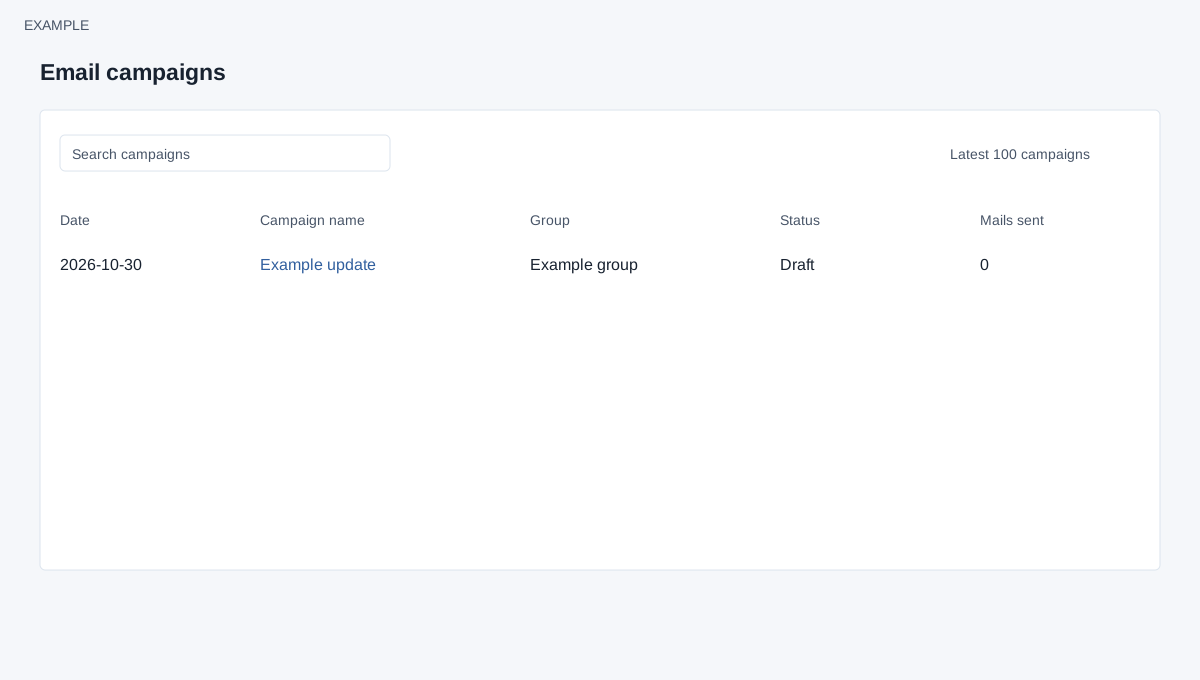
Open the page
Switch app → Email. Administrator permissions may be required.
Prepare a campaign
- Create a CRM reporting filter for the intended contacts, then make an email group from that filter. Configure an appropriate bulk email gateway and an allowed sender address before composing. Review the audience and permission to contact recipients.
- Choose New Campaign, enter the sender, subject and message, and save a draft or proceed to the review screen. The final Send Email action on the review screen schedules delivery.
Follow up
- Use Campaigns to check the status and Mails sent. Open the campaign for its saved details and message preview; use email logs to investigate individual activity.
- Example: Example Co. sends a product update to its Newsletter group using an approved gateway.