Products and stock list
Use this page
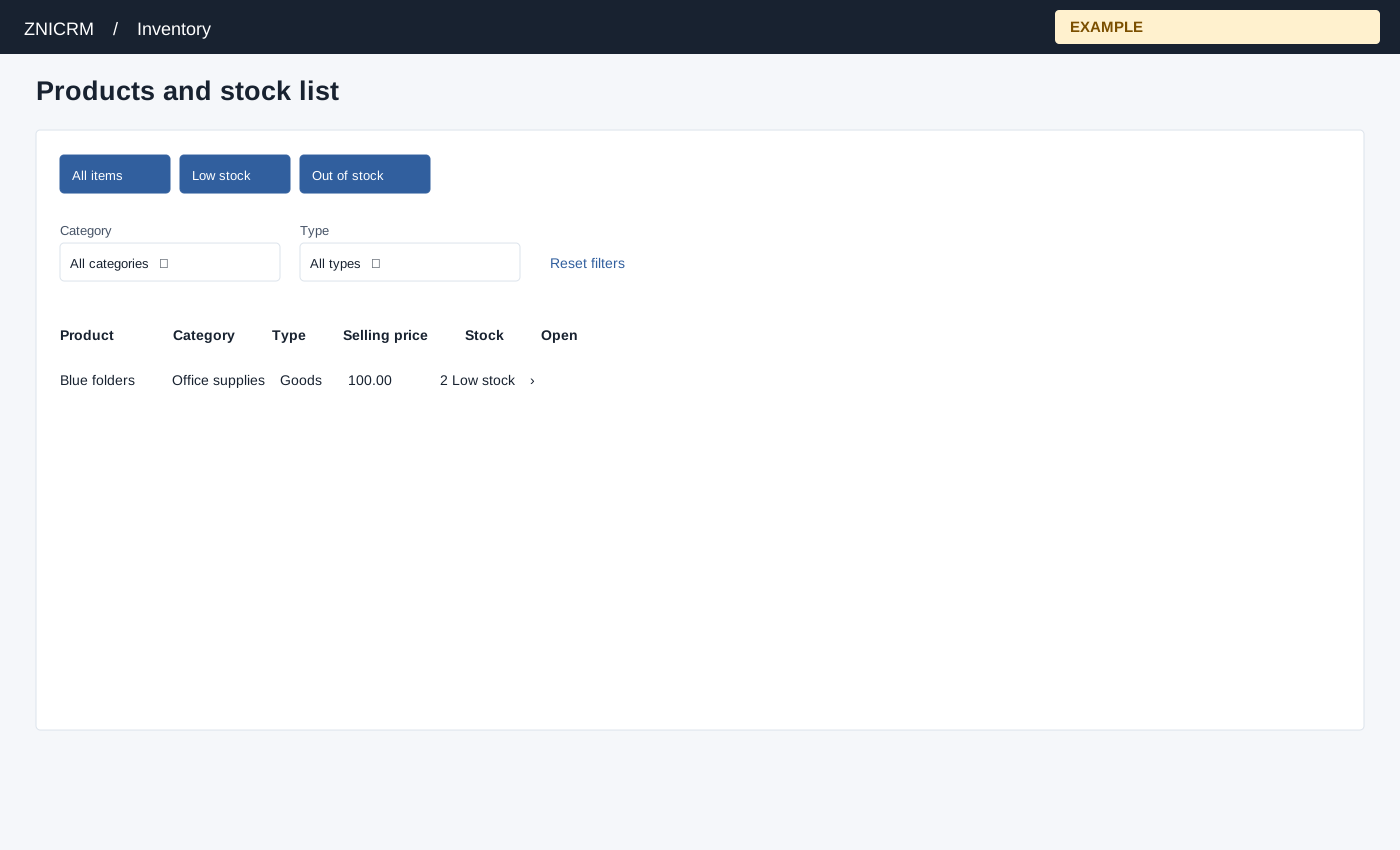
Open Inventory → Product List. Inventory access controls the Categories and New Purchase Order links. Product Sales depends on invoice-report access. Categories, Product Sales and New Purchase Order links appear according to applicable permissions. The page loads up to 5,000 items. Use All items, Low stock or Out of stock, Category, Type and Reset filters to narrow the loaded rows; search and table controls apply to that loaded set.
Columns are Product, Category, Type, Selling price, Stock and Open. Goods and Rental are stockable: stock at or below zero is Out of stock; positive stock at or below a positive threshold is Low stock; otherwise Available. Other types show Unlimited. Select the product name or Open to inspect details.
The category and item screens have no unit-of-measure selector or unit setup; “unit price” is a price per item, and Issue Stock accepts whole quantities. Confirm the item naming convention with your team rather than assuming a configurable unit conversion. Page settings opens the personal notes panel. For Blue folders with 2 on hand and threshold 3, choose Low stock and inspect the item before raising a PO. If missing, reset filters and consider the 5,000-row load limit.