Category items and item creation
Open the page
Product Categories → select category → Manage Items. Administrator permissions may be required.
Add an item
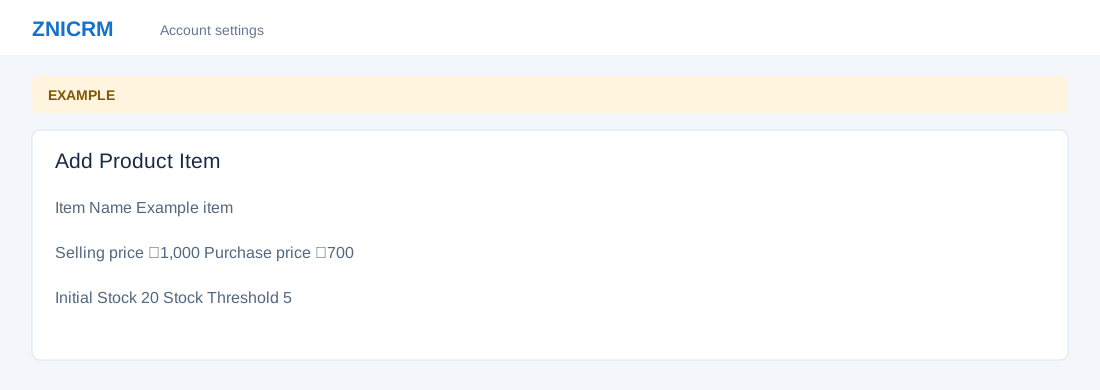
- Review Item Name, Description and Price. Choose Add Item and enter Item Name, Item Description, Item Unit Price (Selling), Item Unit Price (Purchase) and Item Tax Code. Choose Is Visible In Searches.
- Where goods stock controls appear, set Initial Stock, Stock Threshold and Priority from 0 (least) to 10 (highest). Review and choose Add Item. Example: a item sells for ₹1,000 with a stock threshold of 5.
- Use the row action to inspect an item. Delete changes the catalog.