Inventory product list
Open the page
Inventory → Product List. Administrator permissions may be required.
Find and review items
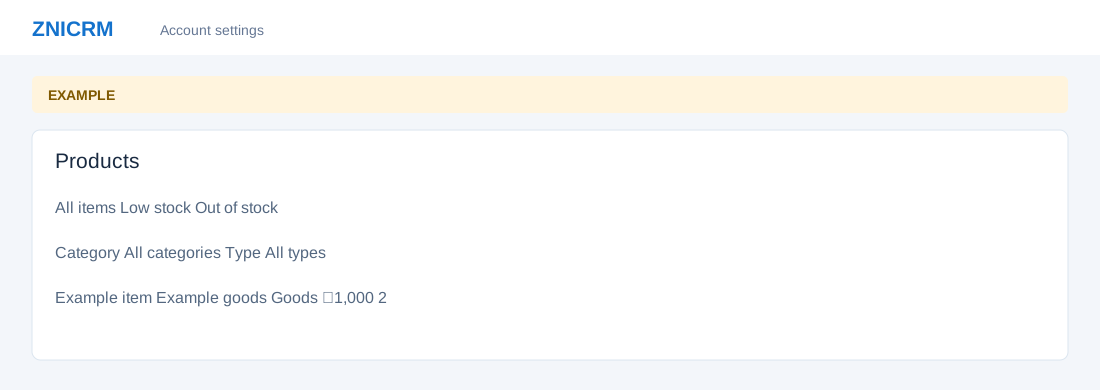
- Use All items, Low stock or Out of stock; filter by Category and Type, or select Reset filters. Review Product, Category, Type, Selling price and Stock. Open the item name or Open action for details.
- Service items can show an unlimited indicator for service items and tracked values for goods. Investigate an out-of-stock or negative value in the item audit trail before acting.
- Use Categories to manage the catalog, Product Sales for reporting, or New Purchase Order for purchasing.