Print or export a purchase order
Use this page
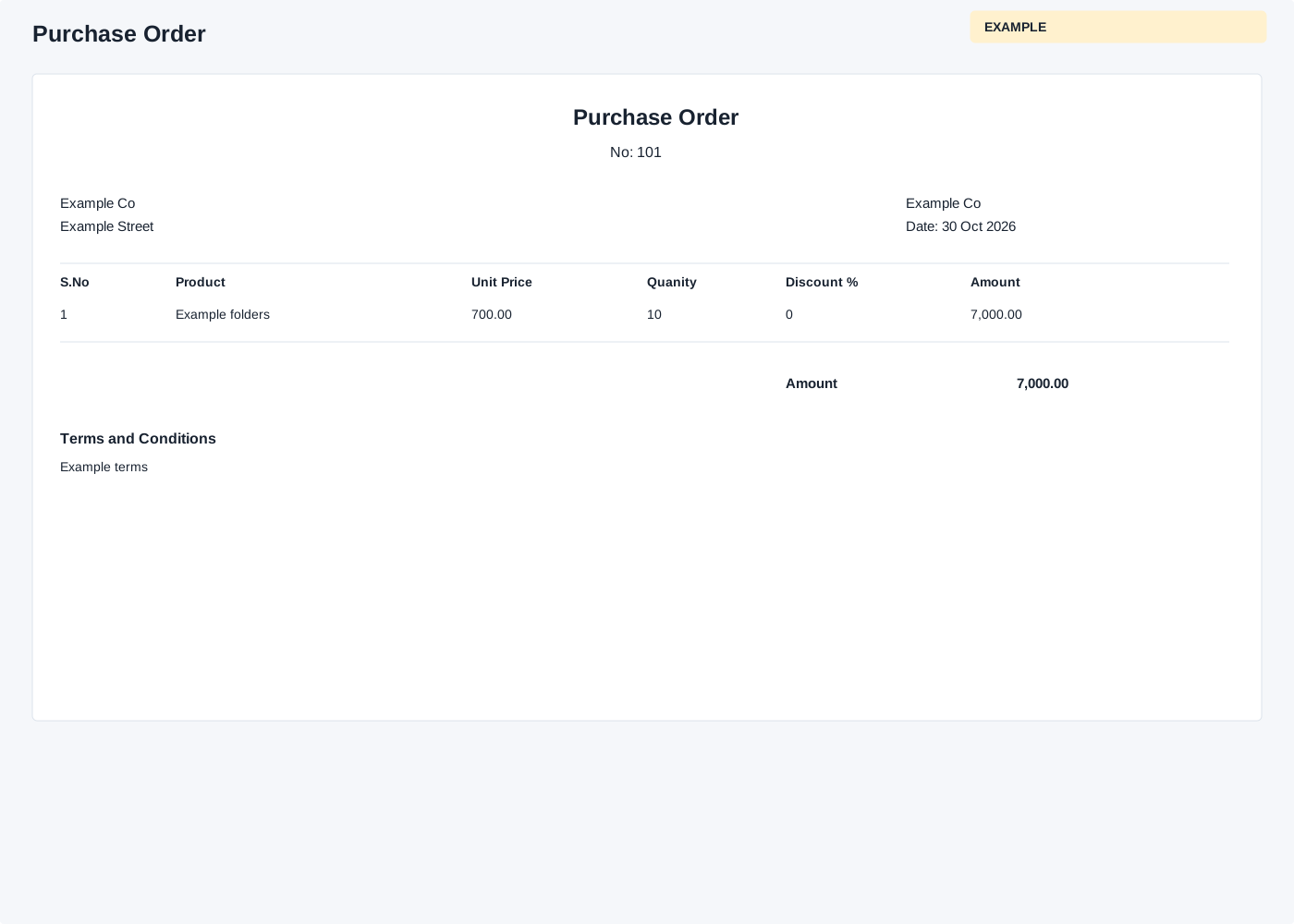
From a saved purchase order choose Export To PDF or Print. A valid company order and the applicable Inventory and ownership checks are required. The print page checks administrator or manage-products access as well as order ownership. Access to the PDF can differ from access to the on-screen document. Treat these as source limitations and confirm access with an administrator; do not assume the two endpoints enforce identical restrictions. The order ownership check itself allows a non-admin with manage-products permission, while an administrator must match the owner. The output contains the vendor address, company information from quote settings, date, S.No, Product, Unit Price, Quantity, Discount %, Amount, taxes, total and Terms and Conditions. Print opens a printable HTML page in a new tab; use the browser print command. Export To PDF opens an inline PDF in a new tab, which the browser may display or let you save. Review amounts and vendor details before sharing, and return to the order to correct an editable draft if needed.
For a ten-folder order, compare the displayed quantity and total to the saved draft. If the output is unavailable, check the order ID and inventory permissions.