Print or download a receipt
Use this workflow
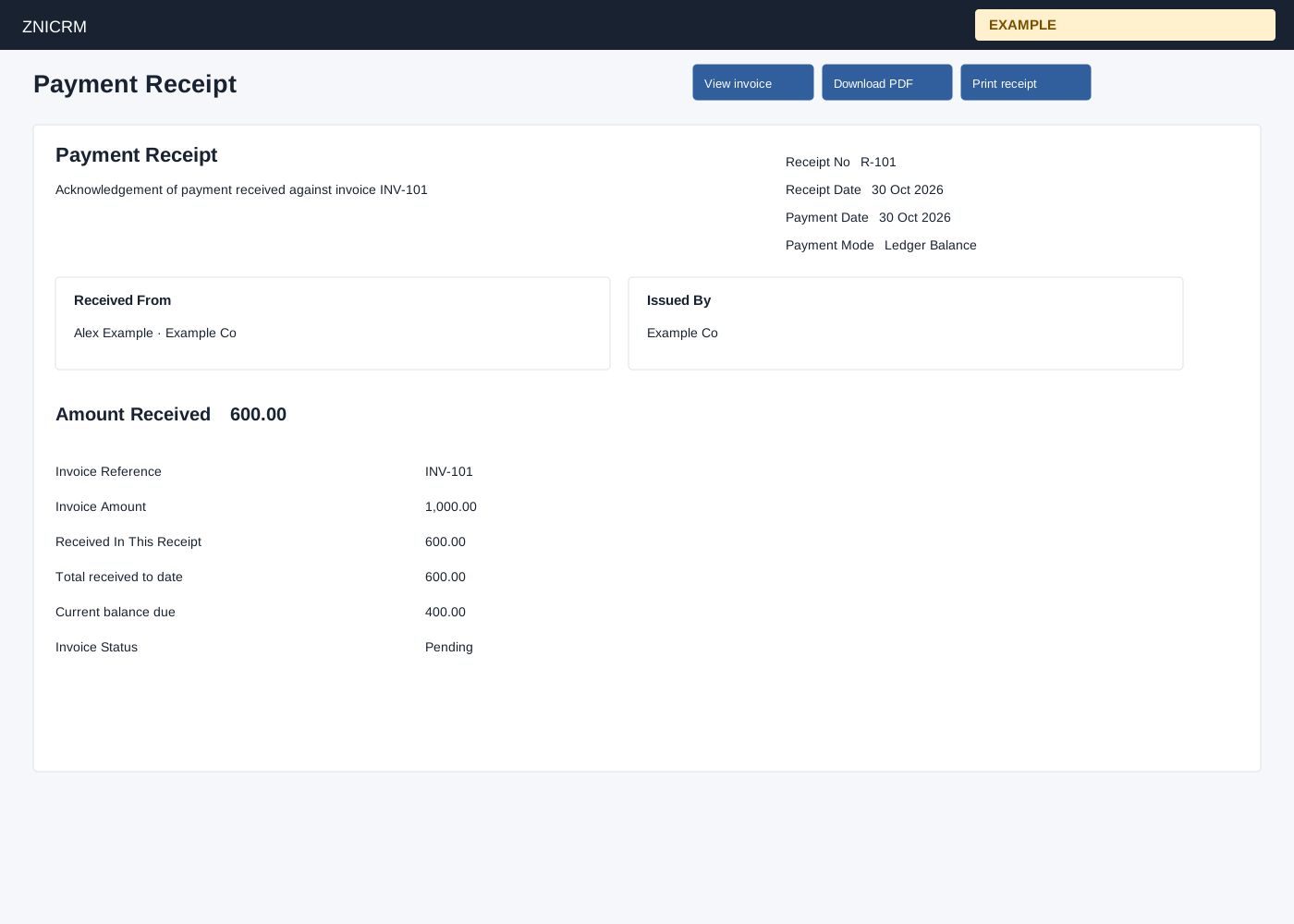
Open an invoice’s Payments and receipts table and select Print or PDF for its receipt, or use the links after saving a receipt. RECEIPTS access and a valid company receipt are required. The receipt displays Invoice Reference, Invoice Amount, Received In This Receipt, Total received to date, Current balance due, Invoice Status and remarks.
On the print view, View invoice returns to the invoice, Download PDF creates the PDF, and Print receipt opens the browser print flow. Total received to date, current balance and invoice status are read from the current invoice when output is opened, so an older receipt can show later payments and status rather than a historical snapshot. Compare the receipt amount with the invoice and ledger; if access fails, check receipt permission and the record. The output is a financial document: share it only with authorized recipients.